Table of Contents
- What Construction Progress Tracking Mobile Apps Do
- Key Features That Matter for Field Teams
- Automated Field Data Collection Tools: How They Transform Site Documentation
- Best Practices for Construction Site Photography
- Digital Construction Daily Logs and Real-Time Reporting
- Offline Functionality, Data Security, and User Adoption
- Calculating ROI and Implementation Success
- Conclusion
Last Updated: August 21, 2026
What Construction Progress Tracking Mobile Apps Do
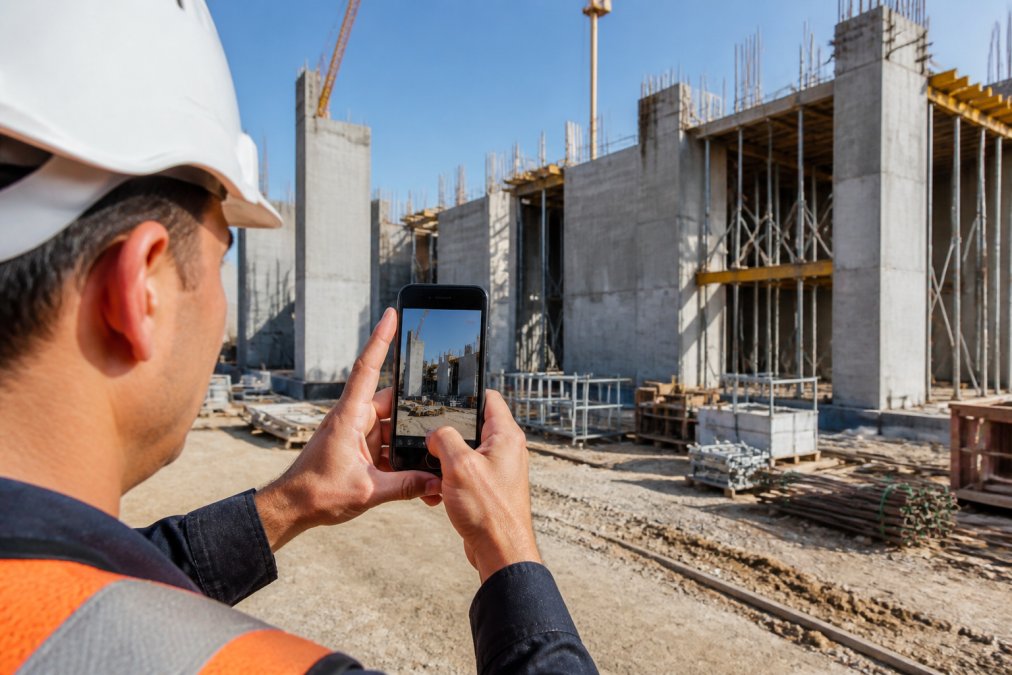
Aconstruction progress tracking mobile app consolidates visual data with timestamps, GPS coordinates, and searchable annotations into a single digital record, replacing scattered paper logs and photos. The core function is straightforward: capture photos on-site, attach contextual information, and sync to a centralized system where office teams access it in real-time.
The actual value emerges after capture. When geotagging and timestamping are automatic, when notes can be voice-recorded or typed, and when photo libraries become searchable by date or keyword, documentation friction disappears. Field crews spend less time organizing data. Project managers spend less time hunting for evidence of what happened on Tuesday at the north foundation. Rework gets caught earlier because visual progress is visible to everyone, not locked in email inboxes.
PhotoLog distinguishes itself by automating GPS tagging and time-stamping while keeping the interface minimal, point, shoot, annotate. This removes the friction that causes field teams to skip documentation. The searchability by event key or date means a supervisor can pull up every photo from the concrete pour in seconds, not hours.
The broader category ranges from simple photo-sharing apps to full project management platforms. Some focus narrowly on field documentation; others bundle photography with task management, budget tracking, labor timesheets, and client communication. For teams managing multiple sites with strict compliance requirements, you need offline reliability, data security, and professional report generation.
Key Features That Matter for Field Teams
Not all construction progress tracking mobile apps are built the same. Field teams have specific needs that separate useful tools from expensive distractions.
Automatic geotagging and timestamping is non-negotiable. Manual entry is friction that gets skipped. When every photo is automatically tagged with GPS coordinates and the exact moment of capture, you have an auditable record for compliance, disputes, and proof of completion. PhotoLog handles this at the point of capture, eliminating post-processing.
Offline functionality separates tools that work on real construction sites from theoretical ones. Spotty cell service is the norm on most job sites (fcc.gov). The best tools capture and store photos locally, then sync when connectivity returns, ensuring field crews never lose work even in remote areas.
Searchability transforms a photo library into useful documentation. Finding one photo among 500 should take seconds, not thirty minutes of scrolling. Search by date, keyword, or session key separates tools that save time from those that don’t.
Voice and typed notes matter because field crews are already moving. Voice dictation lets inspectors narrate observations in real-time. PhotoLog supports both, letting crews choose what fits their workflow.
Professional report generation converts raw photos into actionable deliverables. PhotoLog exports ZIP files with structured field reports, so you’re not manually assembling documents in PowerPoint.
Privacy controls matter on sensitive sites. PhotoLog’s switchable GPS feature lets teams toggle geotagging on or off, controlling what data leaves your organization.
Automated Field Data Collection Tools: How They Transform Site Documentation
The shift from manual field documentation to automated collection changes what’s possible with site data.
When data collection is manual, teams capture what they remember. Photos exist but are scattered across different phones with no consistent naming, no reliable timestamps, and no way to search them later. Automated field data collection inverts this: the system captures metadata automatically and makes every photo searchable and traceable. Compliance documentation becomes a byproduct of normal work, not an extra task.
For site documentation, this means a complete audit trail. When a defect appears, you can trace back through timestamped photos to see when it first became visible. When a client disputes whether work was completed on schedule, you have dated visual evidence. When a regulatory inspector asks for proof of compliance, you have organized, searchable records.
The real transformation happens when field data connects to office reporting. A project supervisor can pull up all photos from a specific date, tagged with location and notes, and immediately understand what happened on-site. A project manager can see real-time progress without waiting for a verbal report. A client can review visual progress without being on-site.
Many construction teams still rely on daily logs typed hours or days after work ends. Information gets lost. Photos get misfiled. Automated field data collection tools eliminate that lag, the moment a photo is captured, it’s timestamped, geotagged, and ready for office review.
Best Practices for Construction Site Photography
Professional site photography requires consistency, clarity, and documentation of context.
Establish a naming or keying convention before fieldwork starts. If every photo from the foundation phase is tagged with "Foundation-Phase-1," finding all foundation photos later takes seconds. PhotoLog’s session-based key system handles this automatically, all photos in a session share the same key, so organization is built in.
Capture multiple angles of significant work stages. A single photo of a concrete pour tells part of the story; photos from multiple angles and times tell the complete story. This is especially important for compliance documentation.
Include scale references in photos when precision matters. A photo of a crack in concrete means nothing without context. Include a ruler, coin, or known object in the frame to provide scale.
Timestamp every significant event, not just daily summaries. If concrete is poured at 8 AM and inspected at 2 PM, those two timestamped photos create a timeline. Automatic timestamping removes the guesswork.
Document the context, not just the defect. Use notes or voice annotations to add context that the photo alone doesn’t convey.
Establish a review schedule for photos before they leave the site. If a supervisor reviews photos daily and catches documentation gaps while the crew is still on-site, rework is minimal.
Digital Construction Daily Logs and Real-Time Reporting
Digital daily logs replace paper site diaries with searchable, timestamped records that sync to the office in real-time.
Traditional paper logs are written at the end of the day, often from memory. Details get fuzzy. The log sits in a trailer until someone scans it. By the time office staff see what happened on-site, days have passed.
Digital logs capture data as work happens. A crew member notes the start of concrete pouring at 8:15 AM with a timestamped photo. Another documents completion at 2:47 PM. A supervisor notes weather conditions and delays. All of this is recorded in real-time with exact timestamps and synced to the office immediately when connectivity returns.
The difference is dramatic for project visibility. A project manager checking the app at 3 PM sees that the concrete pour finished two hours ago. They can immediately alert the next trade, update the client with visual proof of progress, and identify delays before they cascade into schedule impacts.
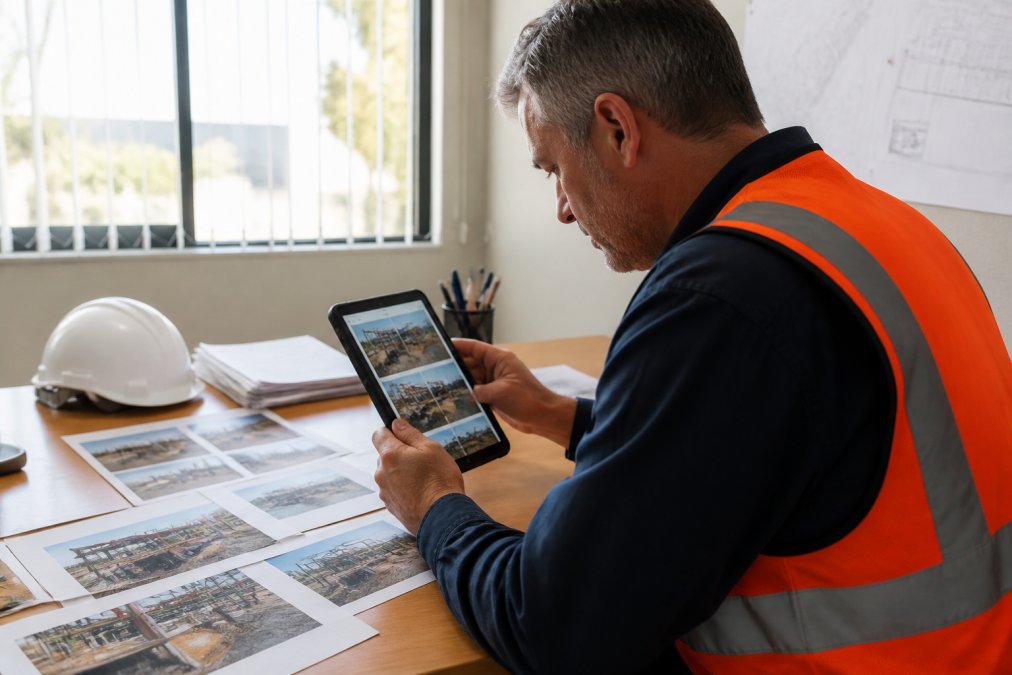
For compliance, digital logs create an indisputable record. If a regulator asks whether safety protocols were followed on a specific date, you have timestamped photos and dated notes. If a client disputes whether work was completed as scheduled, you have visual evidence with exact timestamps.
PhotoLog’s approach is photography-first. Instead of typing narrative summaries, crews capture photos with annotated notes. The app organizes these into a structured field report that can be exported and shared. A timestamped photo of a concrete surface test is evidence; a written note saying "concrete cure time adequate" is an opinion.
Real-time reporting means office staff and clients see progress as it happens, not as a summary at the end of the week. This visibility reduces surprises, accelerates decision-making, and builds client confidence. For teams managing multiple sites, real-time data means supervisors can prioritize resources based on actual progress.
Offline Functionality, Data Security, and User Adoption
The best construction progress tracking mobile app is useless if it doesn’t work where crews actually work.
Offline functionality is not optional on construction sites. Cell service is unreliable. If an app requires constant connectivity, it will fail. The standard approach is to capture and store photos locally on the device, then sync to the cloud when connectivity returns. PhotoLog operates this way, photos are stored on the Android device until a connection is available, then synced automatically. Transparent sync status prevents confusion and data loss.
Data security is a legitimate concern when storing sensitive site documentation. Construction sites often contain proprietary information, security vulnerabilities, or client confidentiality requirements. PhotoLog addresses this with switchable GPS, teams can toggle geotagging on or off depending on project requirements. Some projects require GPS data for compliance; others require it disabled for security.
User adoption is where many tools fail. A sophisticated app with powerful features is worthless if field crews won’t use it. Construction crews are pragmatic. If a tool slows them down or feels like overhead, they’ll abandon it.
PhotoLog’s interface is intentionally simple: point the camera, take a photo, add a note if needed. Advanced features like search and report generation happen in the office, not on-site. This keeps the field experience minimal and friction-free, driving adoption. A 15-minute walkthrough showing how to use session keys, add notes, and locate photos is enough to get most crews productive.
Calculating ROI and Implementation Success
The ROI of a construction progress tracking mobile app depends on what you’re measuring and what problems you’re solving.
Time savings is the most obvious metric. If a supervisor currently spends five hours per week hunting for photos and assembling reports, and a mobile app cuts that to one hour, that’s four hours per week saved (peer-reviewed research). Multiply by 52 weeks and 12 supervisors, and you’re looking at significant labor cost reduction. Measure time before and after implementation using actual timesheets.
Rework reduction is harder to quantify but often larger in impact. A single prevented rework cycle on a mid-size project can save tens of thousands (the NIH). A rigorous ROI calculation requires baseline data: how many defects are currently caught at each stage, and how much does each stage of rework cost?
Compliance and risk reduction is often overlooked but frequently the largest benefit. Documented evidence that safety protocols were followed, work was completed on schedule, or defects were identified and corrected reduces legal and regulatory risk.
Client satisfaction often improves with real-time visibility. Clients who see progress daily with timestamped photos feel more confident in the project, leading to repeat business and referrals.
A practical ROI framework:
- Measure current time spent on documentation and reporting
- Implement the tool on a pilot project
- Measure time spent on the same tasks after implementation
- Calculate hourly labor cost savings
- Document any rework avoided or defects caught early
- Track client feedback and satisfaction
Most teams see measurable time savings within the first month. Rework reduction and risk mitigation take longer to quantify but are often larger in total impact.
| Benefit Category | Measurement Method | Timeline |
|---|---|---|
| Time savings | Hours spent on documentation before/after | 1-2 months |
| Rework reduction | Cost of defects caught early vs. late | 3-6 months |
| Compliance improvement | Quality of documentation and audit readiness | Ongoing |
| Client satisfaction | Feedback and repeat business | 6+ months |
| Risk reduction | Legal/regulatory incidents avoided | 12+ months |
Implementation success depends on clear processes for when and how to use the tool, training before fieldwork starts, and a champion who models consistent use. A common mistake is deploying a tool without addressing the workflow changes it requires. Without acknowledging process changes and helping crews adapt, adoption fails.
The construction progress tracking mobile app landscape has matured significantly. Tools range from simple photo-capture apps like PhotoLog to comprehensive project management platforms. The right choice depends on your specific needs: if you need professional field documentation with offline reliability and minimal training overhead, PhotoLog delivers exactly that. If you need a full project management system with budget tracking, labor management, and client portals, you’ll need a more comprehensive platform. Most teams benefit from starting with a focused tool that solves the immediate problem, capturing and organizing site photos, before expanding to broader project management features. Download PhotoLog free and test it on your next site visit to see how it transforms your field documentation workflow.
Frequently Asked Questions
What are the main benefits of using a construction progress tracking mobile app?
Construction progress tracking mobile apps eliminate manual data entry and paper-based documentation. They capture geotagged photos with automatic timestamps, making site records searchable and instantly organized. Field teams can attach typed or voice notes directly to images, reducing the time spent on administrative work after leaving the site. Real-time synchronization between field and office means project supervisors see updates immediately, enabling faster decision-making and reducing delays caused by incomplete or late reports.
How important is offline functionality for construction progress tracking mobile apps?
Offline functionality is critical for field work. Many construction sites have spotty cell service or remote locations without reliable connectivity. An app that works offline and syncs data automatically when connection returns prevents data loss and keeps teams productive regardless of signal strength. When choosing an app, verify that it captures geotagged photos, timestamps, and notes offline, then uploads everything seamlessly once connectivity returns. This capability directly impacts adoption rates among field crews.
Can construction progress tracking apps help with regulatory compliance?
Yes. Apps that generate time-stamped, geotagged documentation create an auditable record of site activity. This is valuable for compliance with provincial building codes and workplace safety regulations. Formatted field reports with photos, dates, and GPS coordinates provide evidence of work completion and safety inspections. However, verify that the app's reporting features align with your specific compliance requirements before implementation.
How do I calculate ROI for a construction progress tracking mobile app?
Track time spent on manual photo organization, report writing, and rework caused by unclear documentation before and after implementation. If an app reduces administrative work, multiply the time saved by your average hourly labor cost. Add the cost of prevented rework and faster project completion. Compare this total savings against the app's subscription cost.
This article was written using GrandRanker