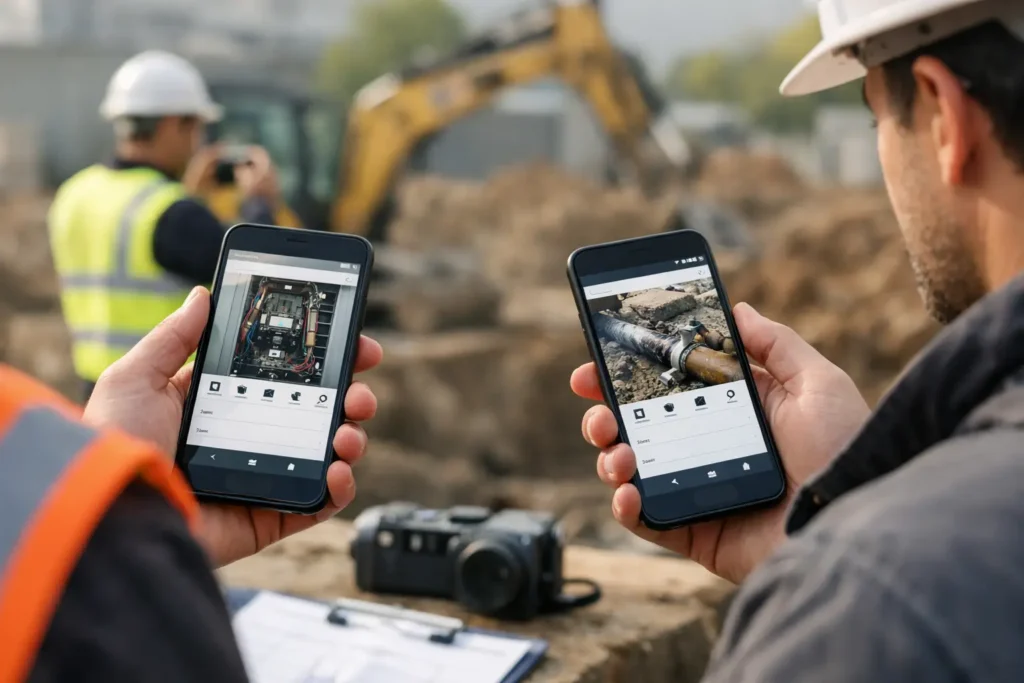
Photo Documentation App Comparison for Field Work
This photo documentation app comparison shows what field teams need for faster capture, clearer records, GPS context, and practical exports on Android.
This photo documentation app comparison shows what field teams need for faster capture, clearer records, GPS context, and practical exports on Android.
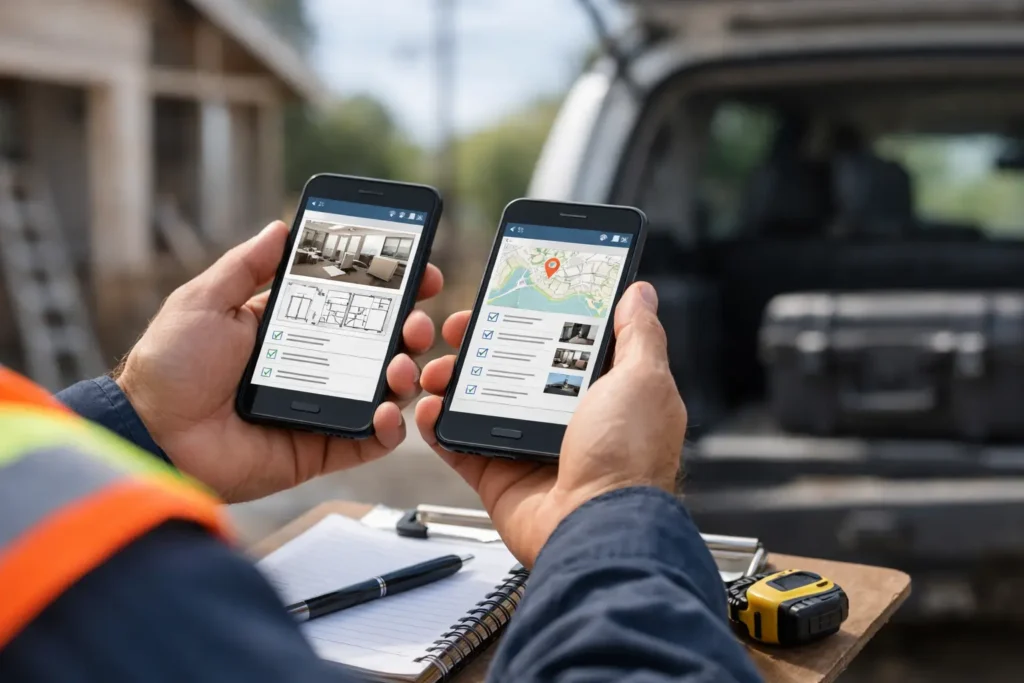
Compare the best mobile apps for inspectors by workflow, evidence capture, reporting, and team needs. Choose a field tool that keeps records usable daily.
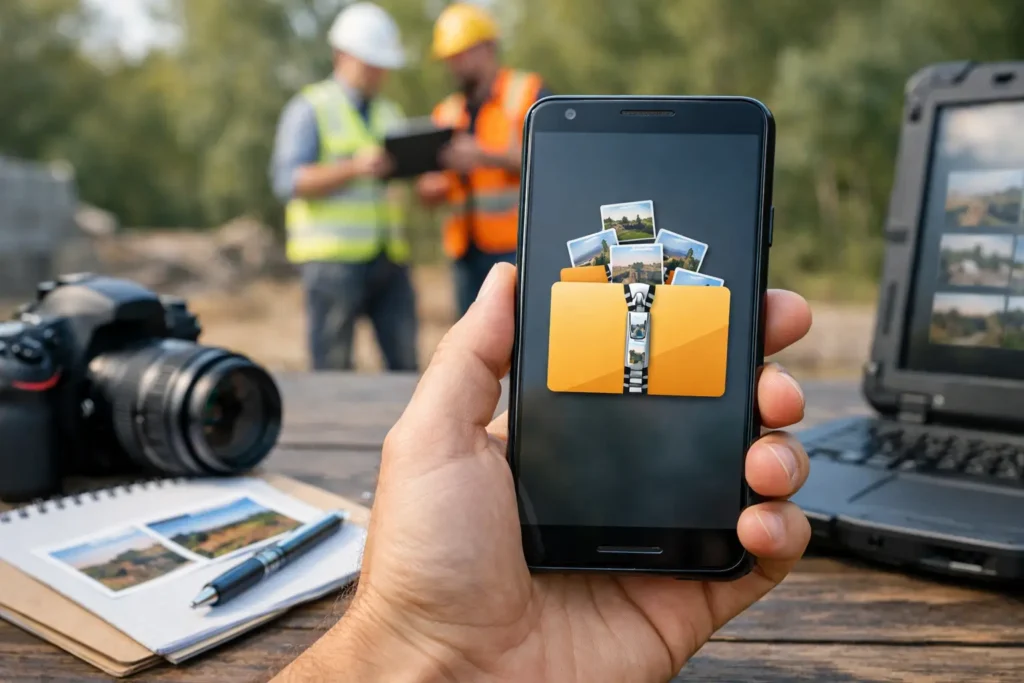
Create zip photo reports Android teams can share, archive, and search with images, notes, dates, locations, and clear project keys in one field workflow.
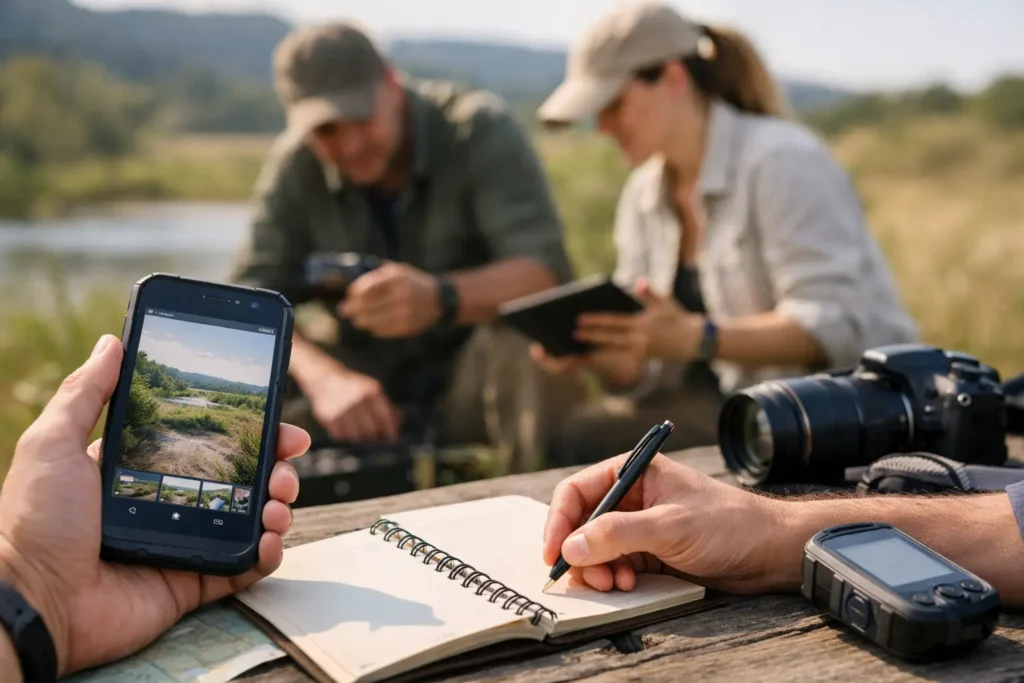
Use this guide to field photo workflows to capture, tag, organize, and export field evidence without losing the location, notes, or timing at capture.
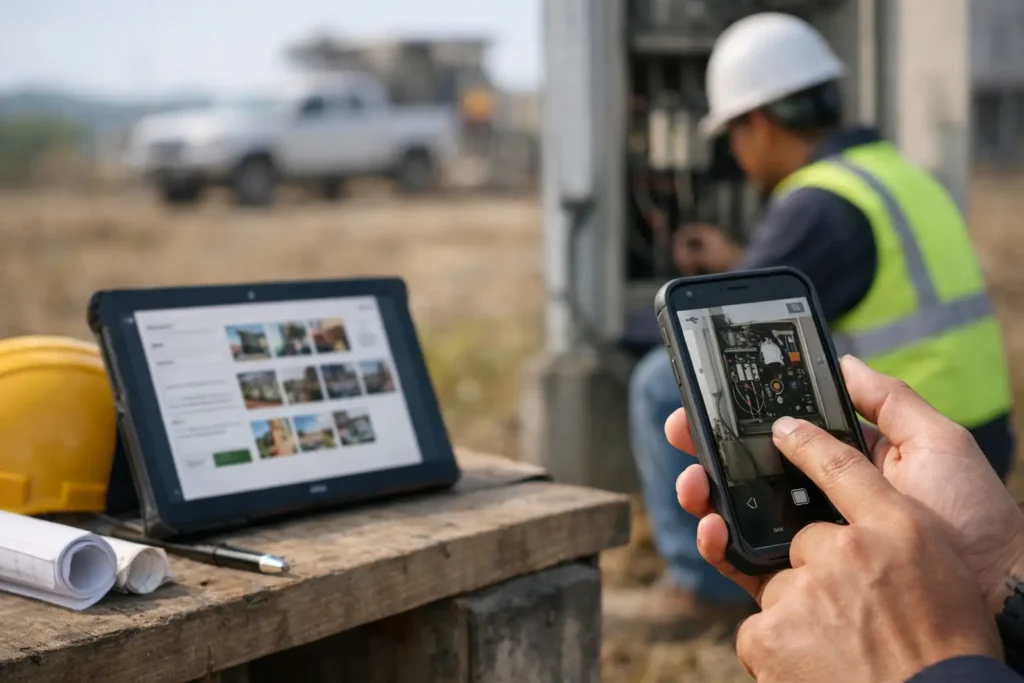
Photo documentation software captures geotagged images, notes, and timestamps in a field workflow, so records stay searchable, organized, and ready to share.
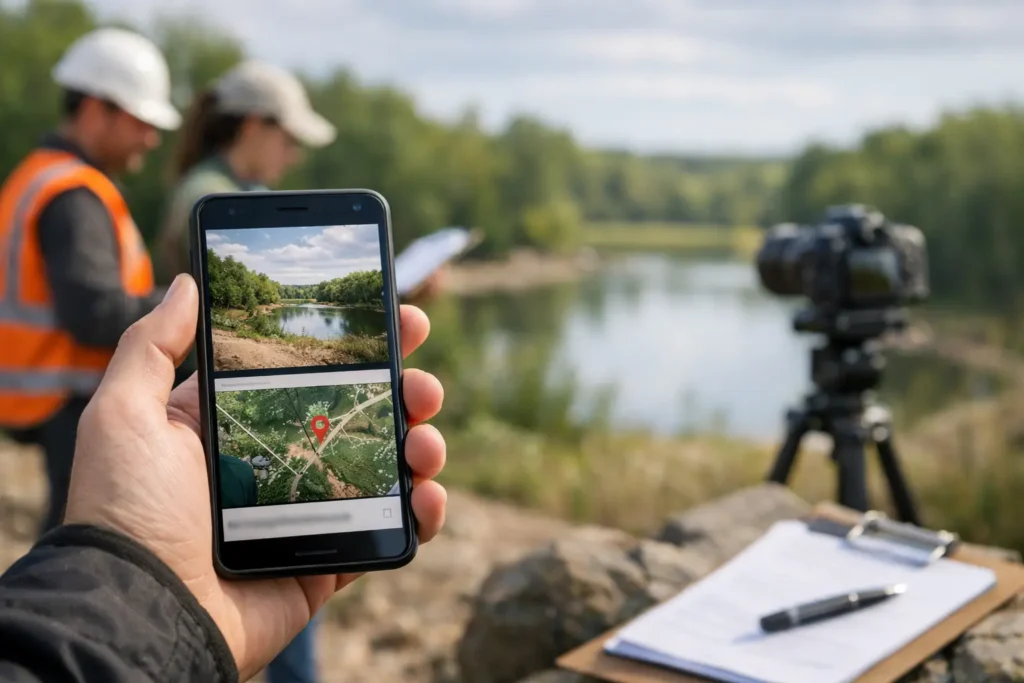
GPS stamped images add location, time, and notes to every field photo, creating searchable evidence that is ready for review, sharing, and records later.

See an inspection team photo workflow example that captures evidence, records context, assigns ownership, and delivers a searchable field record quickly.
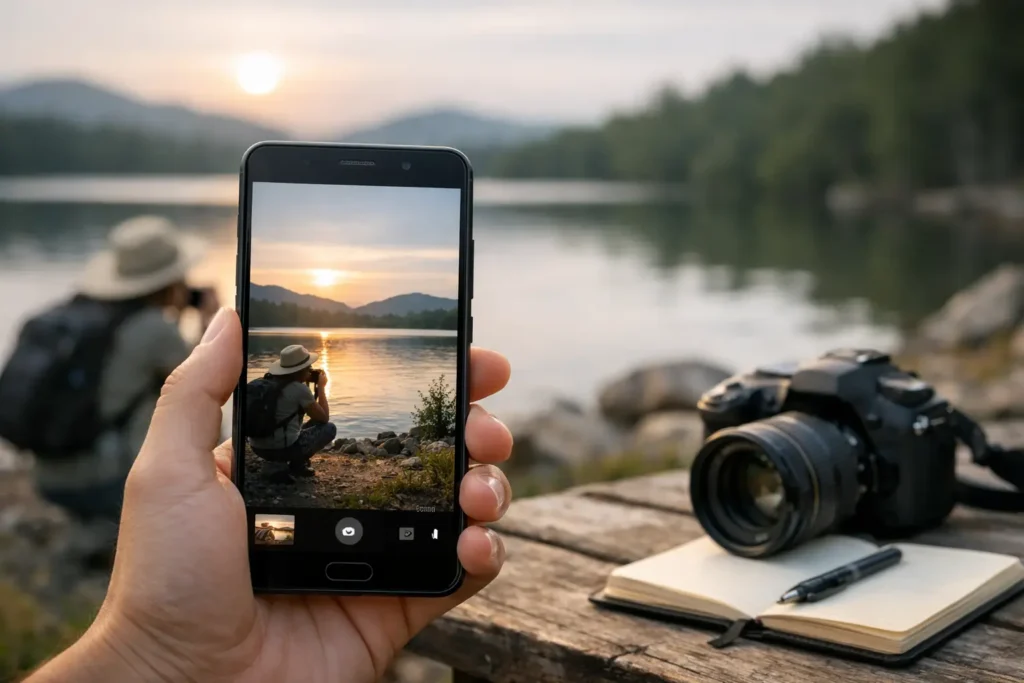
Find the best android app for timestamped photos with GPS, notes, session keys, and export tools for fast, searchable field documentation.
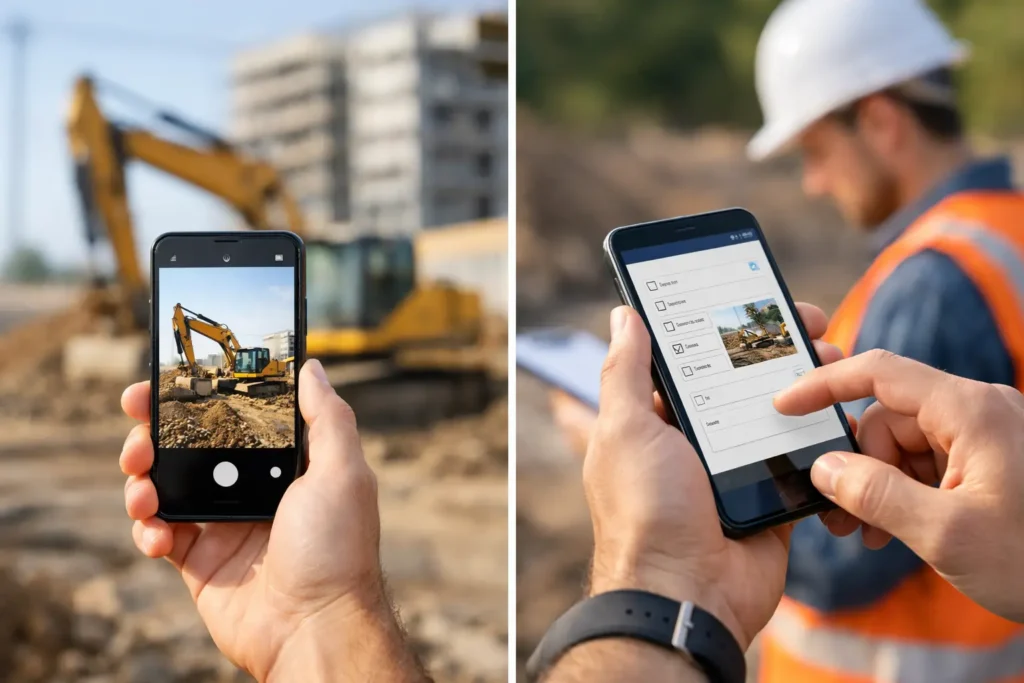
Camera app versus documentation app: see which tool fits inspections, research, fieldwork, and searchable photo records with less manual work.

Learn how to document work progress photos with consistent structure, clear notes, GPS data, and faster reporting from the field.
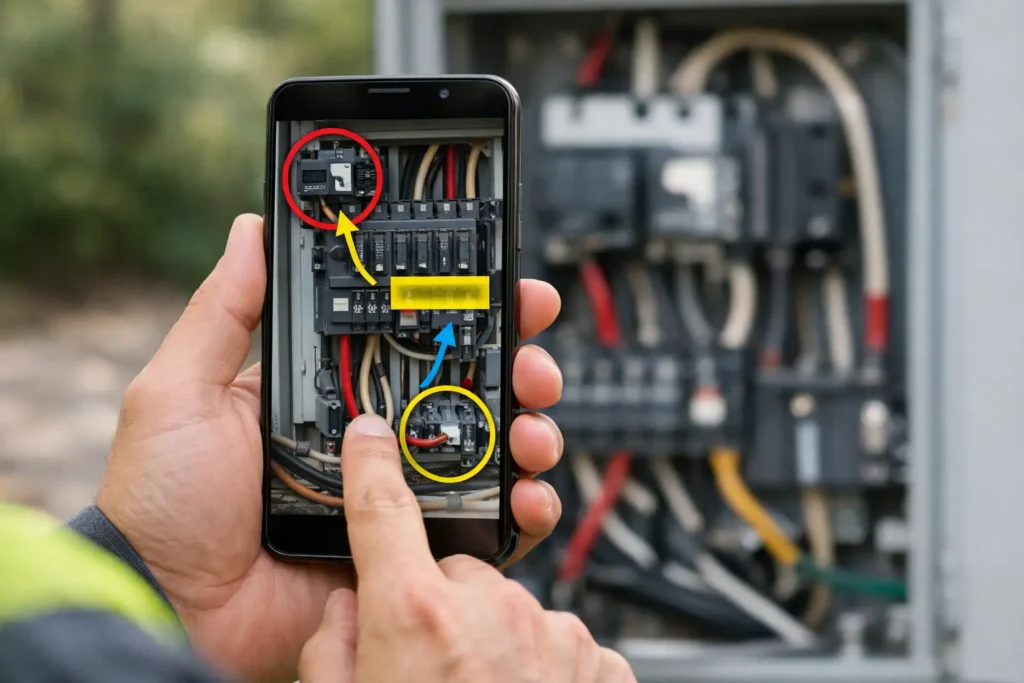
Learn how to capture annotated field images with GPS, timestamps, notes, and searchable session keys for faster, cleaner documentation.
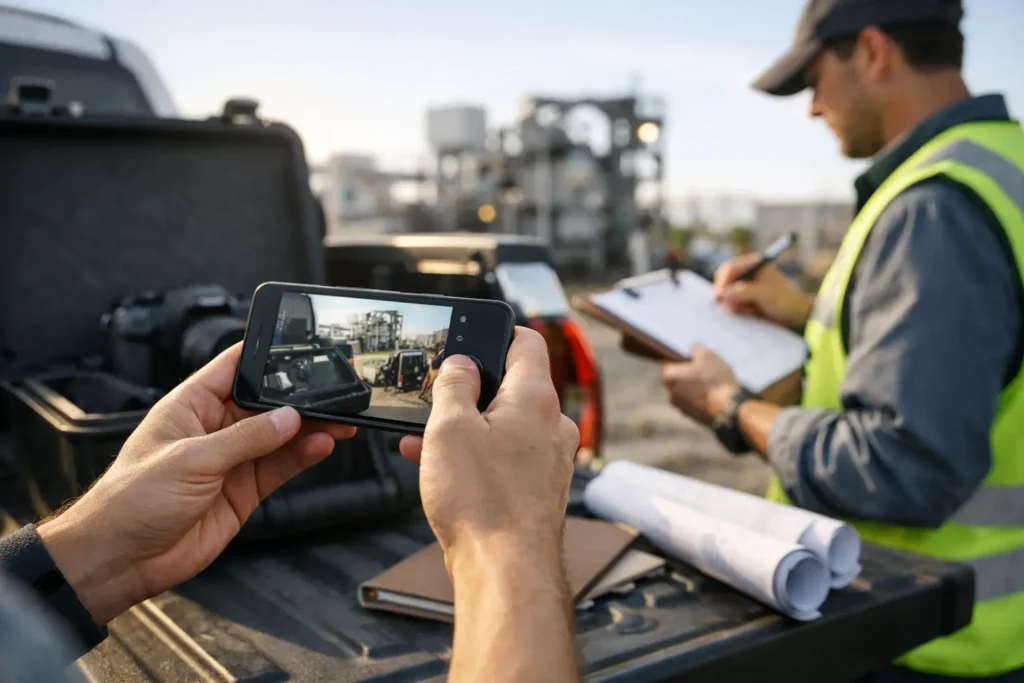
A structured photo capture workflow helps teams document faster with GPS, notes, timestamps, and searchable records in one field-ready process.