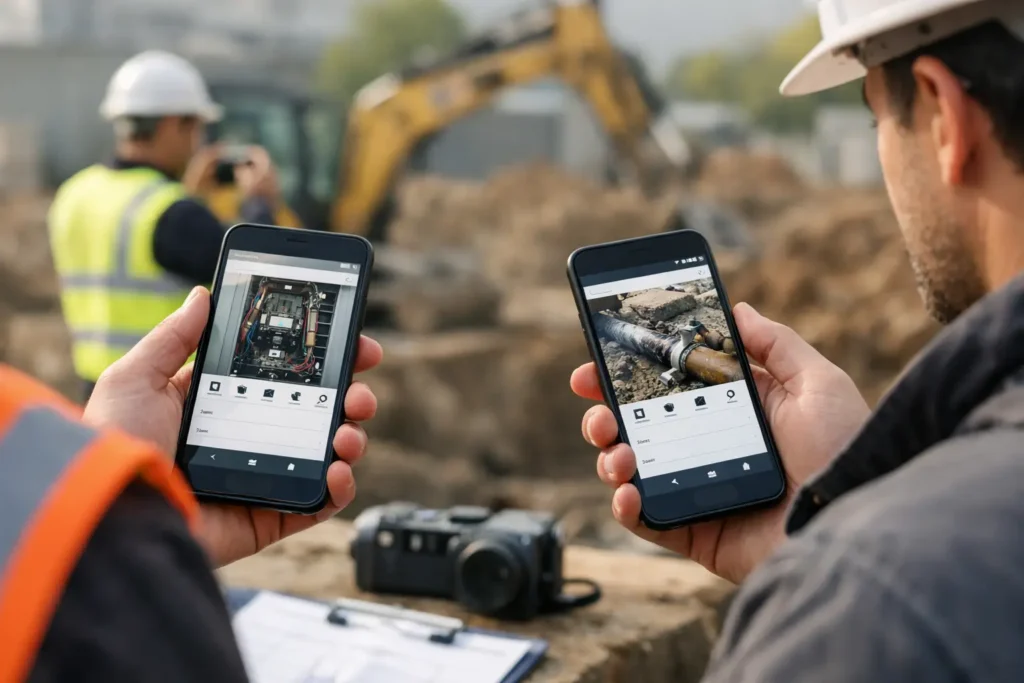
Photo Documentation App Comparison for Field Work
This photo documentation app comparison shows what field teams need for faster capture, clearer records, GPS context, and practical exports on Android.
This photo documentation app comparison shows what field teams need for faster capture, clearer records, GPS context, and practical exports on Android.
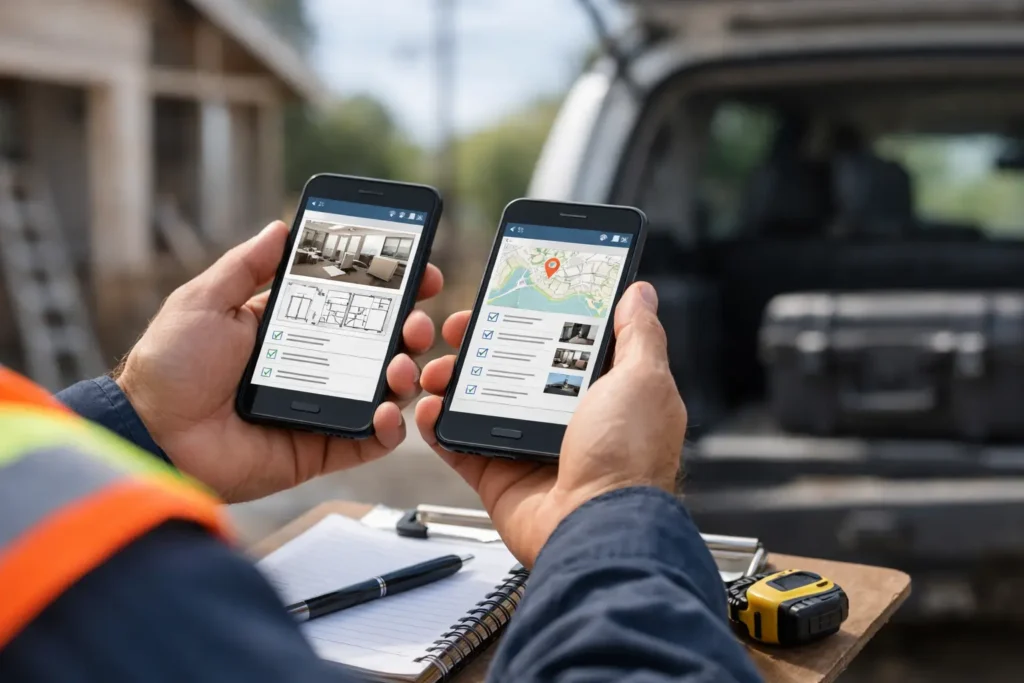
Compare the best mobile apps for inspectors by workflow, evidence capture, reporting, and team needs. Choose a field tool that keeps records usable daily.
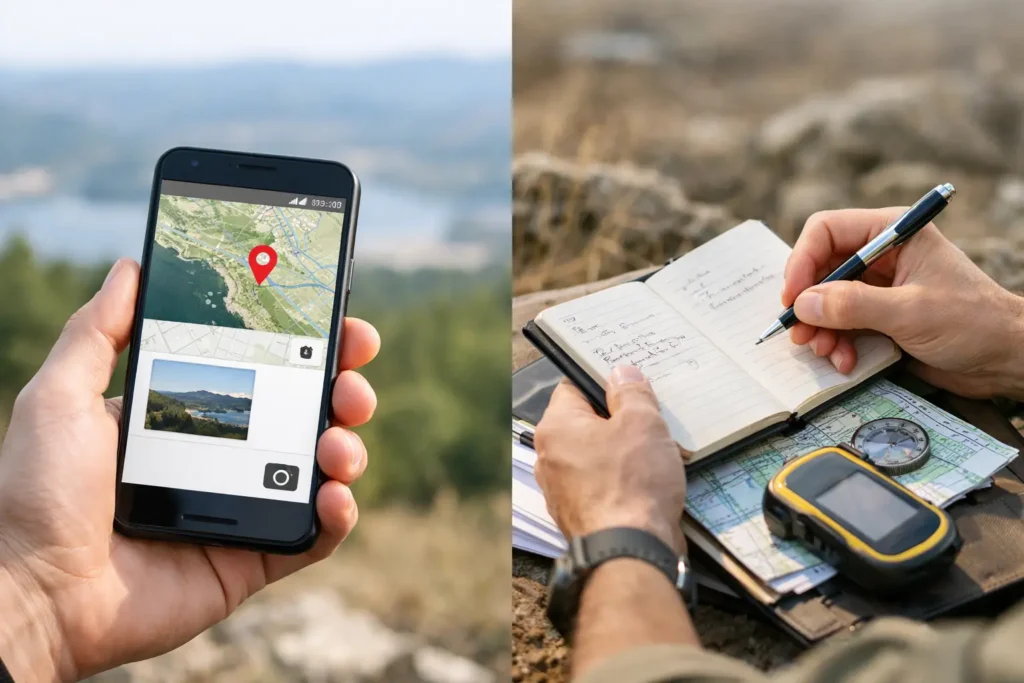
Geotagged images versus manual logs: compare speed, accuracy, context, and reporting to build reliable field records that hold up when decisions matter.
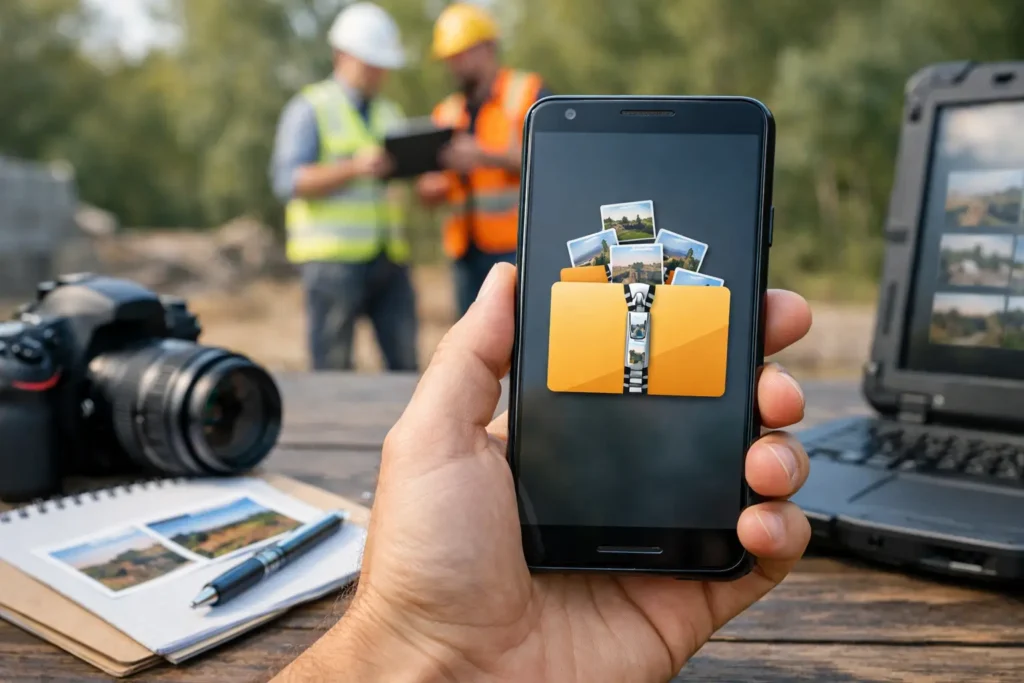
Create zip photo reports Android teams can share, archive, and search with images, notes, dates, locations, and clear project keys in one field workflow.
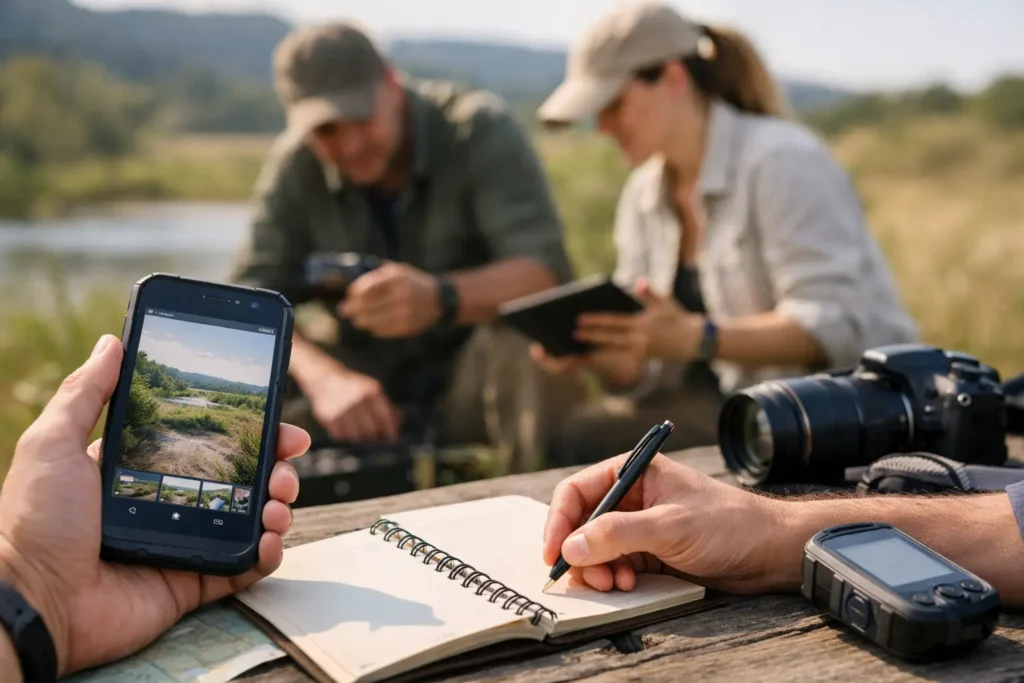
Use this guide to field photo workflows to capture, tag, organize, and export field evidence without losing the location, notes, or timing at capture.
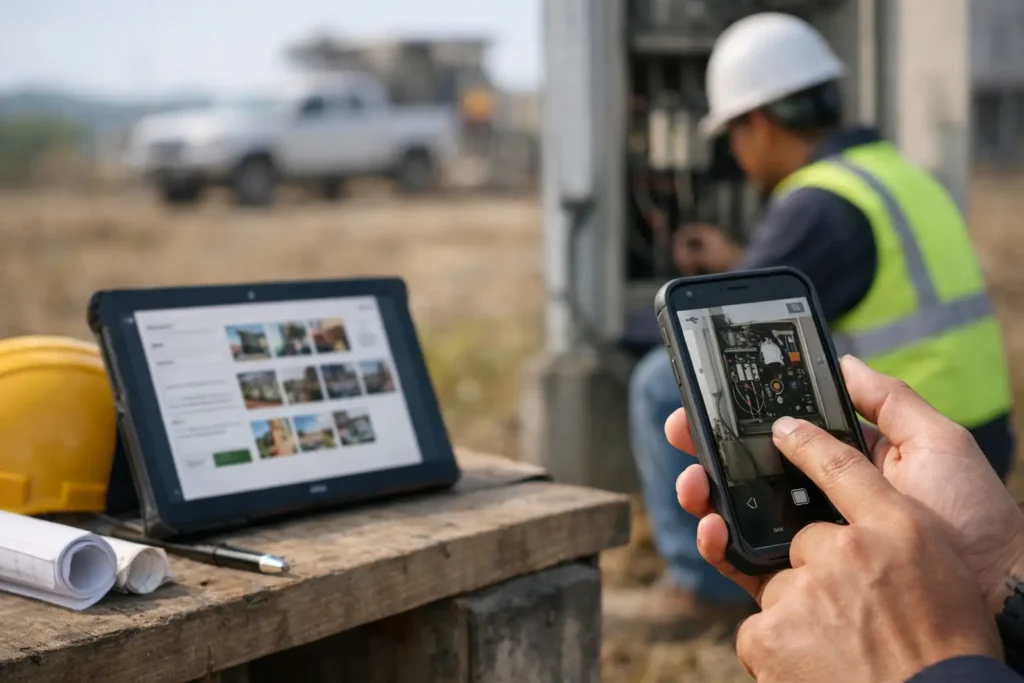
Photo documentation software captures geotagged images, notes, and timestamps in a field workflow, so records stay searchable, organized, and ready to share.
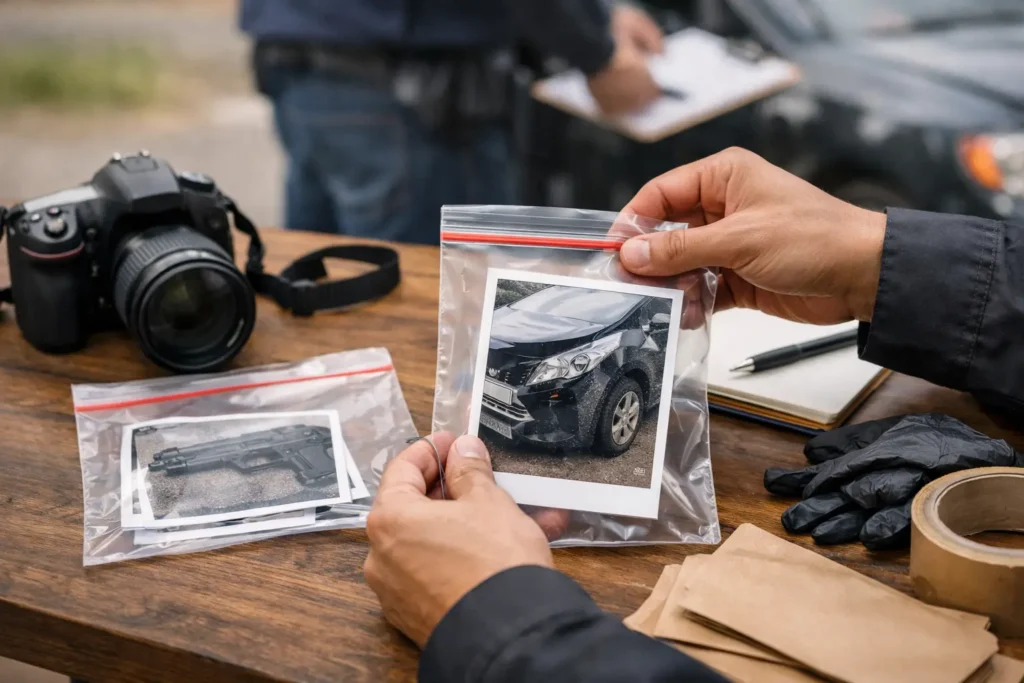
Learn how to package photo evidence with labeled files, clear context, location data, and a review-ready report that is easy to share and retrieve later.
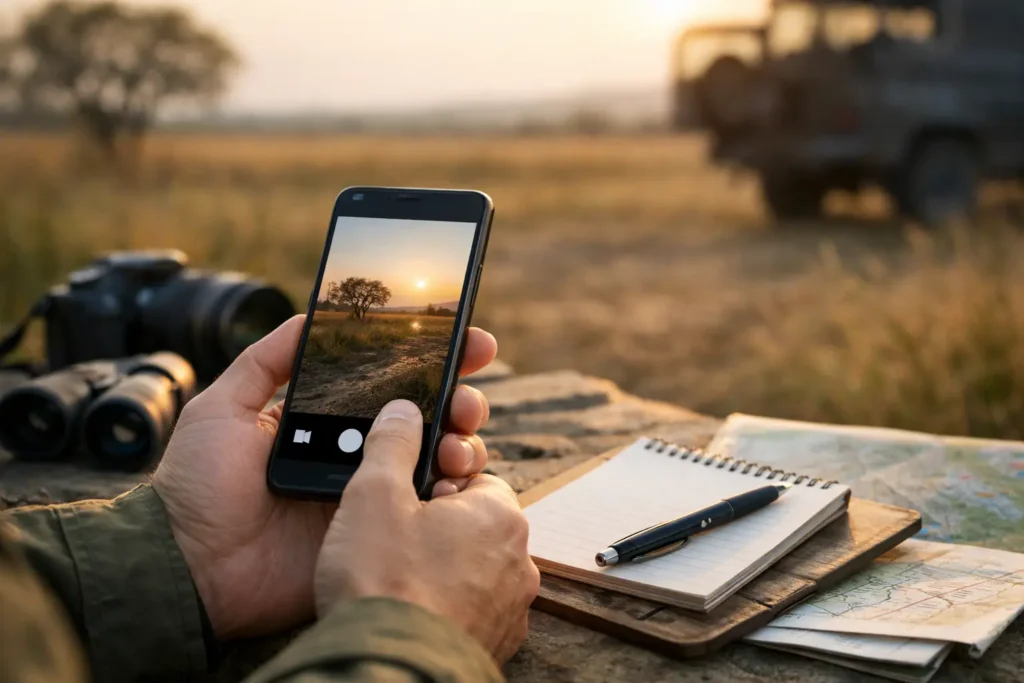
Learn how to capture photos with timestamps, locations, notes, and session keys so field records stay traceable, searchable, and ready to share reliably.
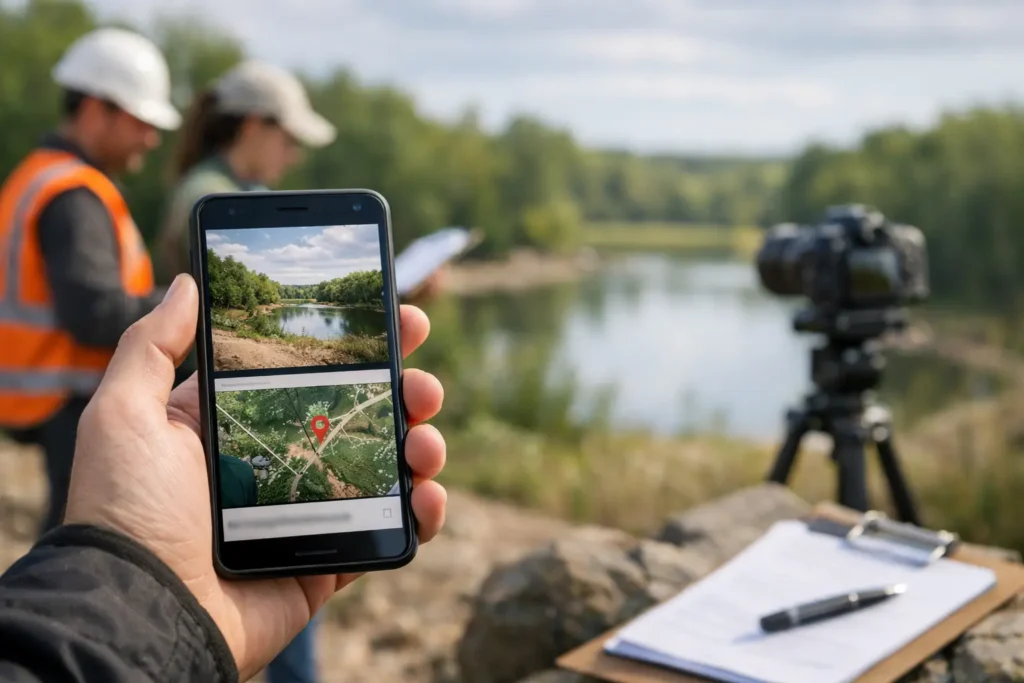
GPS stamped images add location, time, and notes to every field photo, creating searchable evidence that is ready for review, sharing, and records later.