Table of Contents
- Quick Comparison: Offline Field Reporting Software 2026
- PhotoLog: Geotagged Photo Documentation Software for Android
- Fulcrum: High-Accuracy Spatial Data Collection
- Jobber: Field Service Management Software Features for Home Services
- Raken: Digital Daily Reporting for Construction
- Fieldwire: Plan-Based Field Reporting with Offline Access
- PlanRadar: Offline Defect Management and Custom Forms
- Autodesk Build: Enterprise-Grade Offline Field Reporting
- Frequently Asked Questions
Last Updated: September 13, 2026
Quick Comparison: Offline Field Reporting Software 2026
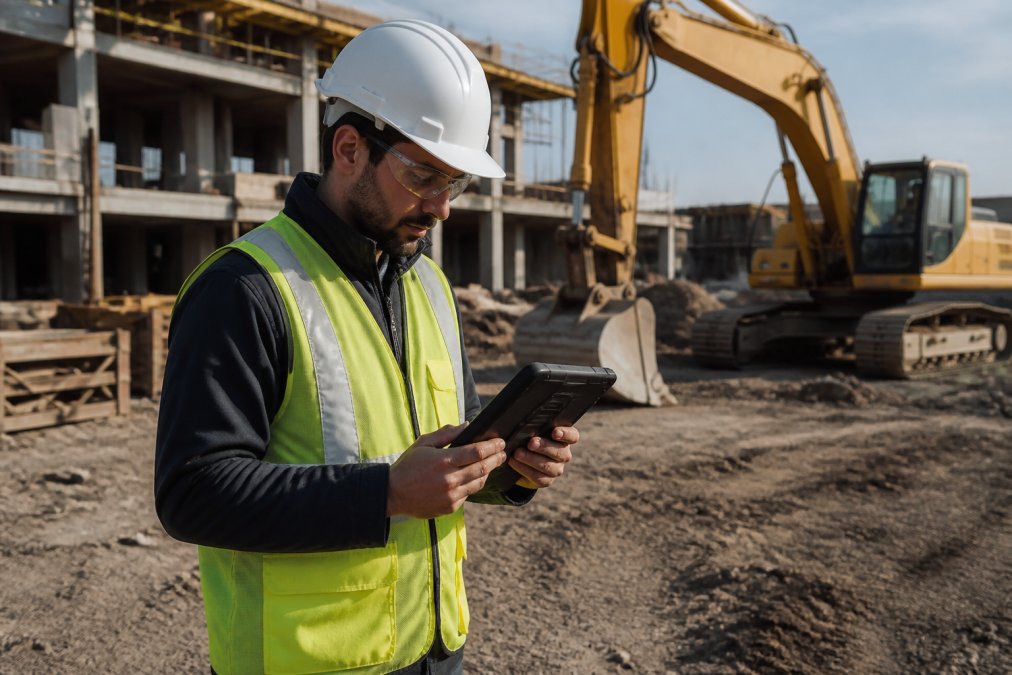
The best offline field reporting software 2026 has to do one thing above all: capture accurate data when there’s no signal, then sync cleanly when there is. That single requirement separates tools built for the field from generic apps retrofitted with an offline mode. This guide from PhotoLog breaks down seven platforms worth considering, with pricing, offline mechanics, and the trade-offs vendors don’t lead with.
Offline field reporting is the practice of capturing inspections, photos, and structured data on a mobile device without a network connection, storing everything locally, and synchronizing to the cloud once connectivity returns.
Below, we’ll show you exactly how each tool handles offline capture, conflict resolution, and reporting, plus a comparison table you can scan in under a minute.
| Tool | Starting Price | Free Tier | Best For | Offline Strength |
|---|---|---|---|---|
| PhotoLog | Free plan available | Yes | Geotagged photo documentation | Session-based photo capture with switchable GPS |
| Fulcrum | Contact for pricing | No | High-accuracy spatial data | True offline forms |
| Jobber | $29/month | No | Home service contractors | Offline mobile app |
| Raken | Contact for pricing | No | Construction daily logs | Offline daily reports |
| Fieldwire | $39/user/month | Yes | Plan-based field teams | Offline blueprints |
| PlanRadar | Contact for pricing | No | Defect management | Offline forms and tasks |
| Autodesk Build | Contact for pricing | No | Enterprise construction | Offline mobile access |
PhotoLog: Geotagged Photo Documentation Software for Android
PhotoLog is our top pick for teams whose field reporting starts with a photo. It turns an Android device into a documentation tool that automatically geotags and time-stamps every image, then organizes shots under session-based keys so a 300-photo site visit stays searchable by event or date.
Key Features and Offline Workflow
Capture works without a connection. GPS tagging, typed notes, and dictated annotations are stored on the device, and you can switch GPS off entirely when a site restricts location data. Photos stay searchable by key or date the moment they’re taken.
The built-in Field Report generator is the differentiator. Instead of exporting a folder of loose images, you get a formatted report bundled into a ZIP file you can share through any phone app. For inspectors who currently spend evenings assembling photos into a document, that removes a real chunk of admin time.
PhotoLog is the practical answer to why switch to digital inspection checklists, where the goal is replacing paper-and-camera workflows with a single traceable record.
Pricing and Pros/Cons
Check PhotoLog’s website for current plans. A free plan is available, which makes piloting with two or three inspectors straightforward before committing a full crew.
- Pros: automatic GPS geotagging, dictated and typed notes, instant searchability, exportable ZIP reports, switchable GPS for privacy.
- Cons: Android-focused, so iOS-heavy teams need a different primary tool.
Run a two-week pilot on one active site before rolling PhotoLog out fleet-wide. Compare the time your team spends assembling reports manually against the export time from the built-in Field Report. That gap is your real return.
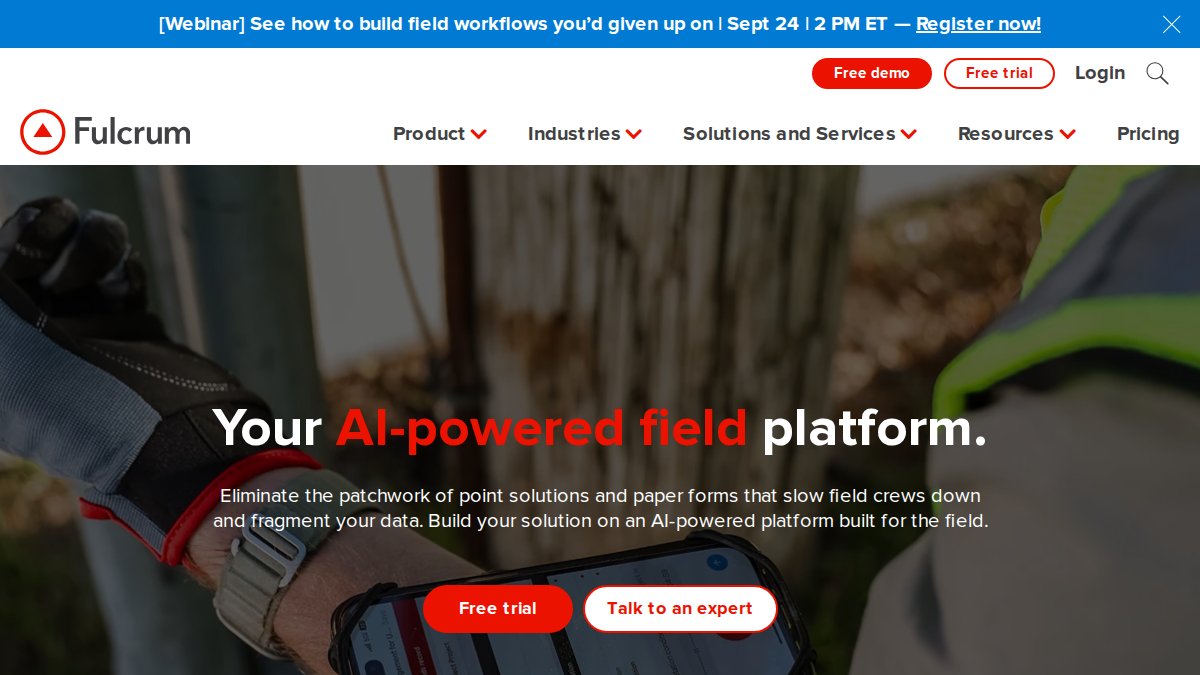
Fulcrum: High-Accuracy Spatial Data Collection
Fulcrum targets teams that need survey-grade location data rather than general documentation. Its offline engine is genuine, not a cache-and-pray fallback, and it is the clearest example in this group of how offline field reporting software 2026 should handle the messy parts of synchronization.
Offline Capabilities and Hardware Compatibility
Forms and geotagged photos are captured locally and linked to interactive maps. Customizable mobile data entry workflows let you define required fields per inspection type, which matters when compliance tracking demands specific data points. Records queue on the device and push to the cloud when a connection returns.
Hardware compatibility is the catch, and it is where most buying guides go quiet. Fulcrum performs best on devices with reliable GPS chips and sufficient storage for offline map tiles. Older budget handsets can struggle with large offline datasets, so standardize your field hardware before deployment. A practical baseline for 2026:
- Operating system: Android 10 or later, or iOS 15 or later. Older OS versions lose access to current background-location and file-encryption APIs, which breaks both GPS accuracy and at-rest security (source.android.com).
- Storage: allow 2-4 GB of free space per active project if you cache offline map tiles alongside photo evidence. A 500-photo inspection day at 4-6 MB per image adds up fast (developer.apple.com).
- GPS: a dual-frequency (L1/L5) receiver materially improves accuracy under tree canopy, in urban canyons, and beside steel structures. Single-frequency chips drift by several meters in those conditions.
- Ruggedization: for harsh sites, look for IP68 ingress protection and MIL-STD-810H drop ratings. Consumer tablets in a basic case rarely survive a full season on a heavy-civil site.
How Offline Sync and Conflict Resolution Actually Work
This is the mechanism most articles skip. When two inspectors edit the same record while both are offline, the software has to decide what wins on reconnection. Common approaches:
- Last-write-wins: the most recent sync overwrites the earlier one. Simple, but it silently discards a colleague’s edits.
- Field-level merge: changes are reconciled per field, so one person’s photo note and another’s status update both survive. This is the pattern to look for in any tool you shortlist.
- Manual review queue: conflicting records are flagged for a supervisor to resolve. Slower, but the right choice for compliance-critical data where an audit trail matters.
Ask any vendor two questions before you buy: What is your default conflict-resolution rule, and can I change it per form? and Does the device store data encrypted at rest before it syncs? If the sales rep cannot answer both, the offline story is marketing, not engineering.
Pricing and Pros/Cons
Fulcrum does not publish starting prices; you’ll need to contact sales. Expect a subscription model, and budget separately for the hardware standardization described above, that line item is usually larger than the first year of licenses.
- Pros: strong offline synchronization, field-level merge options, excellent mapping and location-based reporting.
- Cons: steeper learning curve when you build complex custom workflows, and meaningful hardware requirements that raise the true cost of entry.
Test conflict resolution with a real scenario before rollout: send two inspectors to the same site, have both edit the same record offline, then sync. What happens next tells you more about the tool than any feature list.
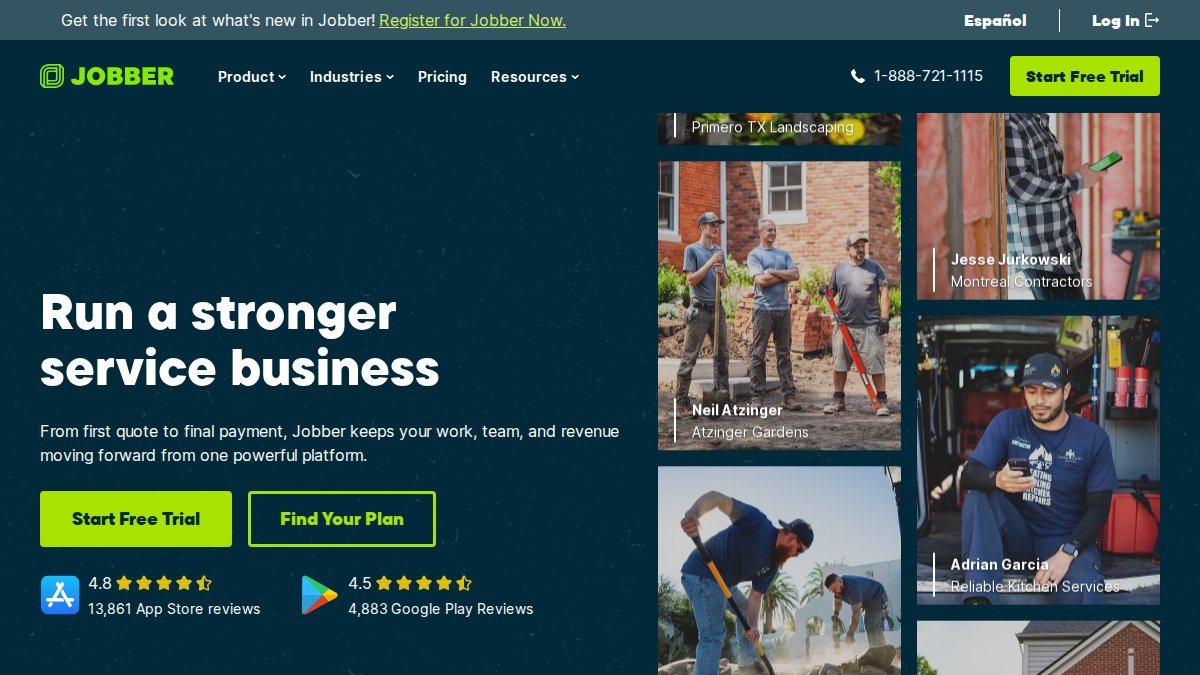
Jobber: Field Service Management Software Features for Home Services
Jobber is built for home service contractors, not construction inspectors, and that focus shows in its field service management software features: scheduling, dispatching, invoicing, and client communication in one place.
Offline Mobile App and Reporting
The mobile app works offline for job tracking and time-stamped reporting, then syncs when technicians reconnect. Automated client communication and QuickBooks integration handle the back-office side.
Where it falls short for inspection work: reporting is job-centric rather than evidence-centric. If your deliverable is a photo-dense compliance report, Jobber’s templates won’t get you there.
Pricing and Pros/Cons
Jobber starts at $29/month, with advanced reporting gated behind higher tiers.
- Pros: friendly mobile interface, comprehensive business management.
- Cons: advanced reporting limited to top plans.
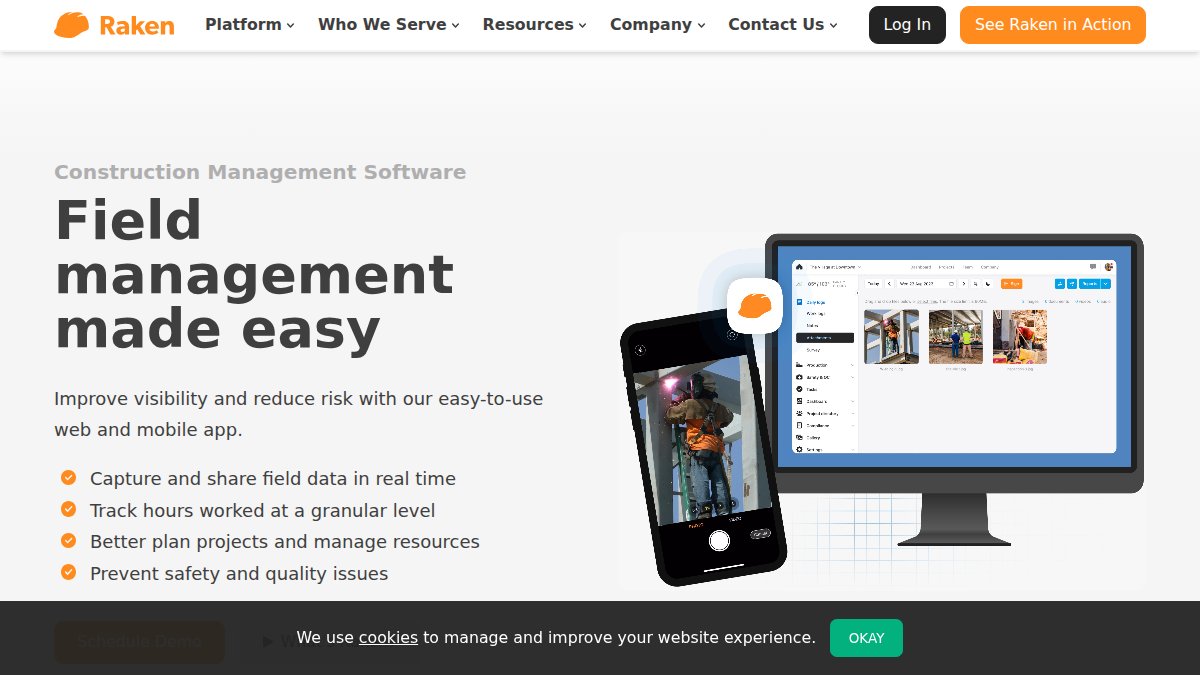
Raken: Digital Daily Reporting for Construction
Raken does one job well: the daily construction log. Site supervisors use it to capture production, labor, and photo documentation in a standardized format.
Offline Data Capture and Photo Documentation
Daily reports, photos, and videos are captured offline with automatic time-stamping, then stored in the cloud for instant sharing. The templates follow industry-standard daily reporting conventions, which shortens adoption time on site.
Pricing and Pros/Cons
Raken does not publish pricing; contact the vendor. Subscription model.
- Pros: industry-standard templates, excellent mobile-first design.
- Cons: narrow scope, so it won’t replace broader project management tools.
Fieldwire: Plan-Based Field Reporting with Offline Access
Fieldwire is the strongest option here if your field reporting revolves around drawings. Blueprints, inspection checklists, and task lists are all accessible offline.
Offline Blueprints and Task Management
Crews mark up plans, create issues, and complete checklists without connectivity. Automated report generation pulls field data into shareable documents. Cross-platform support covers web, iOS, and Android.
Pricing and Pros/Cons
Fieldwire starts at $39/user/month with a free tier for small teams. Costs scale quickly.
- Pros: best-in-class plan viewing, effective task collaboration.
- Cons: expensive for large crews.

PlanRadar: Offline Defect Management and Custom Forms
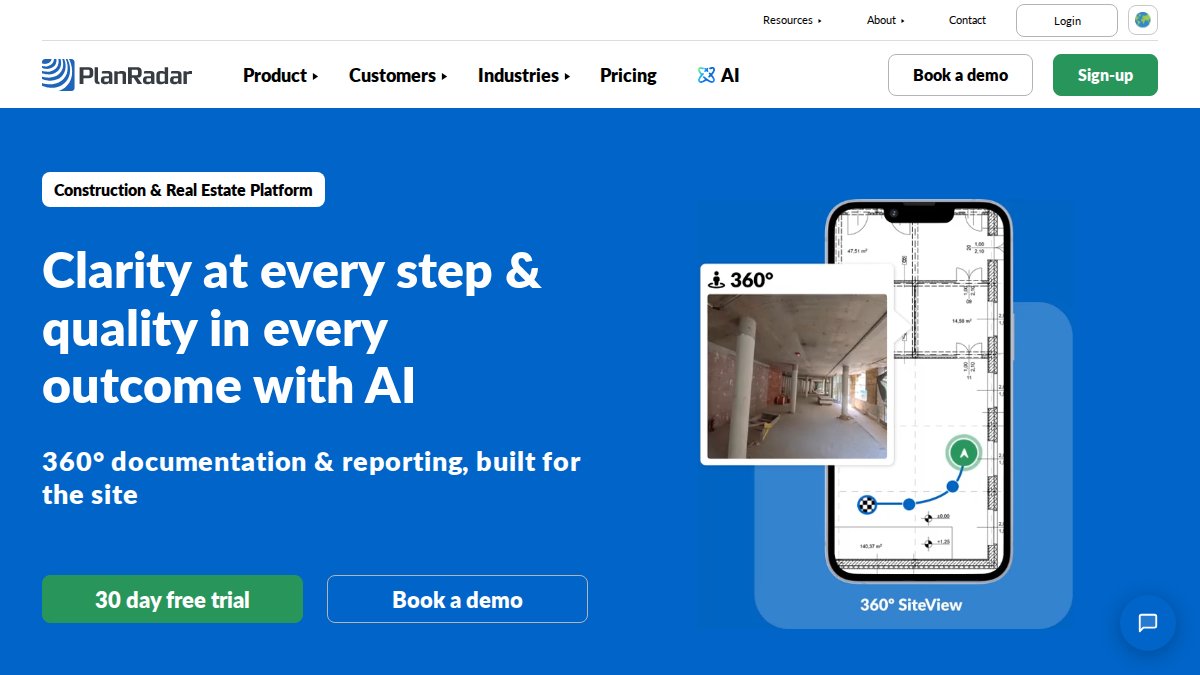
PlanRadar handles defect management and custom digital forms, with offline support for both. The form builder is the most flexible in this group.
Offline Synchronization and Report Generation
Defects, tasks, and photos are captured offline and synchronized to the cloud on reconnection. Reports generate instantly with photo evidence attached, which suits audit trail requirements.
Pricing and Pros/Cons
Contact PlanRadar for pricing. Subscription model.
- Pros: highly flexible form builder, intuitive field interface.
- Cons: custom report configuration takes setup time.
Autodesk Build: Enterprise-Grade Offline Field Reporting
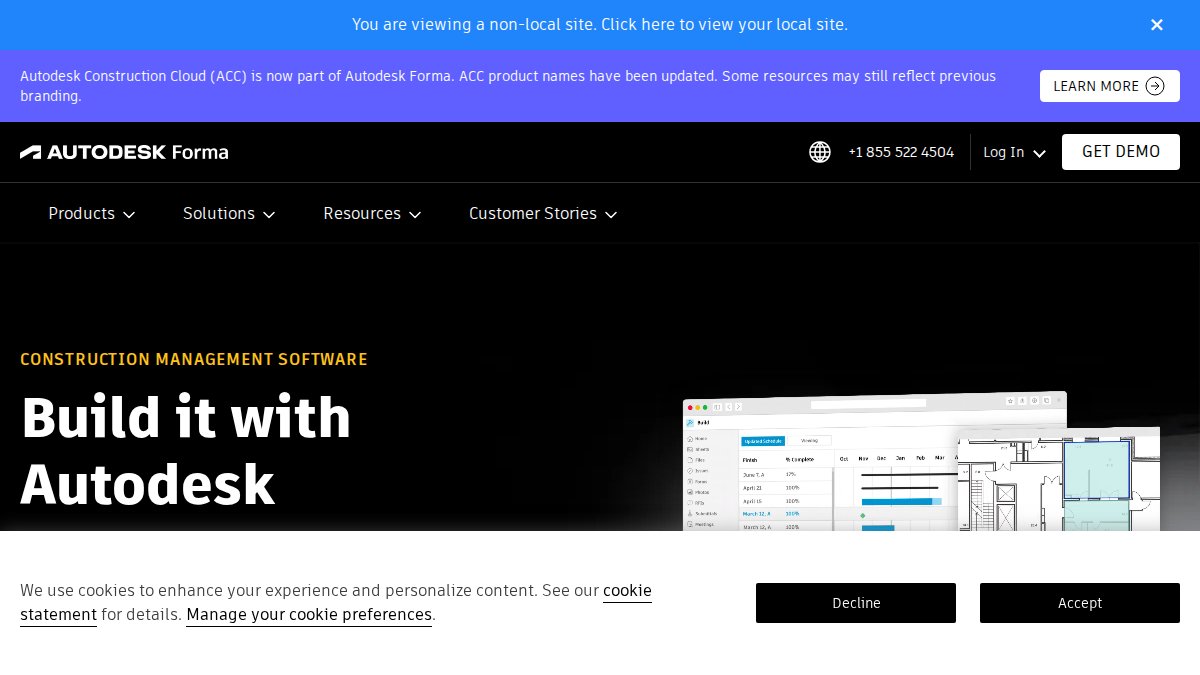
Autodesk Build is the enterprise option: field reporting, quality control, document management, and analytics in one suite, with offline mobile access for field teams. For large infrastructure programs, the deciding factor is rarely the feature list, it is how the platform handles security, integration, and total cost of ownership across hundreds of devices.
Offline Mobile Access and Integration
Offline capture feeds directly into Autodesk’s design ecosystem, so field observations connect to the model. That integration is the real differentiator: an issue raised in the field can be traced back to a specific drawing revision, which is difficult to replicate with a standalone reporting app.
Integration with existing enterprise systems is where enterprise buyers should focus their evaluation. The questions that matter:
- Identity and access: does the platform support single sign-on through your existing identity provider, and can you enforce role-based permissions so a subcontractor sees only their scope?
- Data residency: confirm where field data is stored and processed. For public-sector and infrastructure work, data residency requirements are often contractual, not optional.
- API depth: a documented REST API with webhooks lets you push field data into your ERP, asset-management, or GIS systems. Without it, you are exporting spreadsheets manually, the exact admin burden offline reporting is supposed to remove.
- Model and document sync: check whether drawing revisions propagate to offline devices automatically, or whether field crews must manually refresh before going offline. Stale drawings on a device are a liability.
Data Security in Remote Environments
This is the gap most buying guides ignore. Offline field reporting creates a specific risk profile: data sits unencrypted on a device that may be lost, stolen, or left in a truck overnight. Enterprise buyers should verify:
- Encryption at rest: data stored locally on the device should be encrypted, not just data in transit. Ask whether the app uses the device’s native secure storage or its own container.
- Encryption in transit: synchronization should use current TLS standards. Legacy protocols are a red flag.
- Remote wipe: if a device is lost, can your IT team wipe the local field data remotely without wiping the employee’s personal content?
- Audit logging: every field edit, sync, and export should be logged with a user and timestamp. This is what makes the record defensible in a dispute or audit.
- Offline authentication: some platforms require periodic online re-authentication, which can lock out crews on multi-day remote assignments. Confirm the offline session policy before deployment.
Total Cost of Ownership
Subscription fees are the visible cost. The hidden costs decide the budget:
- Implementation and configuration: form building, workflow mapping, and permission setup typically consume more internal time than vendors quote.
- Training: field crews and office staff need separate training tracks. Budget for refresher sessions after staff turnover.
- Hardware: ruggedized devices, cases, mounts, and spares for a large fleet.
- Integration development: connecting to ERP, GIS, or asset-management systems is a project, not a toggle.
- Connectivity: cellular data plans for devices that sync large photo sets, plus any satellite or hotspot hardware for truly remote sites.
Pricing and Pros/Cons
Contact Autodesk for pricing. Subscription model, with enterprise agreements negotiated by seat count and module.
- Pros: deep design-software integration, enterprise security controls, audit logging, and scalability for large field teams.
- Cons: high complexity and cost for smaller teams, and a TCO that is substantially higher than the license line suggests.
For enterprise deployments, evaluate the platform on security architecture, integration depth, and TCO, not on the demo. A tool that syncs beautifully but cannot be wiped remotely or audited is a compliance problem waiting to happen.
Frequently Asked Questions
Why is offline functionality critical for field reporting software?
Field teams often work in remote areas with no cellular coverage, such as construction sites, environmental survey locations, or rural infrastructure projects. Offline functionality lets inspectors capture data, photos, and notes without interruption. When connectivity returns, the software syncs automatically, preventing data loss and ensuring reports are complete. Without offline mode, teams risk losing hours of work or being forced to re-enter data manually, which reduces productivity and accuracy.
How does geotagging improve field inspection accuracy?
Geotagging attaches precise GPS coordinates to every photo and data entry. This creates an irrefutable record of where an inspection occurred, which is essential for compliance audits, environmental surveys, and construction defect documentation. For example, PhotoLog automatically geotags images and allows you to verify coordinates before finalizing reports. This eliminates guesswork and provides verifiable evidence that work was done at the correct location.
What are the essential features of field reporting software in 2026?
Look for offline-first data collection, automatic synchronization, geotagged photo documentation, customizable digital forms, and automated report generation. Integration with existing systems like accounting or project management tools is also important. Real-time visibility and GPS tracking help supervisors monitor progress. In 2026, field service management software features increasingly include AI-assisted data validation and conflict resolution to maintain data integrity across remote teams.
Can field reporting apps sync data automatically when back online?
Yes, most modern offline field reporting software uses background synchronization. Once the device detects a stable connection, it uploads queued data and downloads any updates. Conflict resolution protocols handle cases where multiple team members edited the same record offline. The software can sync automatically and flag conflicts for review. This ensures data integrity without requiring manual intervention from field staff.
How do digital inspection checklists improve compliance with safety standards?
Digital checklists enforce consistent data capture by requiring specific fields, photo evidence, and timestamps. This creates an audit trail that demonstrates compliance with regulations and internal policies. Automated reminders and conditional logic ensure no step is missed. Compared to paper forms, digital checklists reduce errors and make it faster to generate compliance reports for regulators or clients.
Choosing offline field reporting software comes down to what your deliverable actually is. If it’s a photo-dense, geotagged report assembled fast, PhotoLog is the most direct fit: automatic GPS geotagging, dictated notes, session-based keys for instant search, and exportable ZIP files with formatted Field Reports. Download PhotoLog free and document your next site visit without touching a spreadsheet.