Table of Contents
- Understanding Field Inspection App Pricing Models
- Key Features That Justify Field Inspection App Costs
- Free vs. Paid Inspection App Features Explained
- Field Documentation App Data Privacy Considerations
- Calculating ROI of Field Inspection Software
- Top Field Inspection Apps: Pricing and Capabilities
- How to Choose the Right Field Inspection App for Your Budget
- Conclusion
Last Updated: August 30, 2026
Understanding Field Inspection App Pricing Models
Field inspection app pricing decisions hinge on understanding how vendors structure costs. Most platforms use per-user licensing or flat-fee structures. Per-user licensing ties your bill to team size and scales predictably but becomes expensive as you grow. Flat-fee structures charge a single monthly or annual amount regardless of user count, making them attractive for larger teams but potentially wasteful for small ones.
Subscription-based pricing locks you into recurring monthly or annual costs with known budgets. Pay-as-you-go charges based on usage, reports generated, photos stored, submissions processed, appealing to teams with unpredictable demand but introducing budget uncertainty.
Per-user licensing vs. flat-fee structures
Per-user licensing remains dominant for field inspection software. This approach aligns cost with headcount and forecasts easily: hire two more inspectors, expect your bill to rise proportionally. The disadvantage emerges at scale, a 20-person inspection crew faces substantially higher costs than a three-person firm.
Flat-fee structures charge one price per month or year with unlimited users. This favors larger teams and organizations with variable staffing. A municipality managing multiple inspection departments can onboard new inspectors without triggering additional costs. The catch: flat-fee pricing often comes with higher base costs, priced to capture value from mid-sized teams. A solo inspector would overpay dramatically.
Subscription-based vs. pay-as-you-go
Subscription-based pricing is the industry standard, offering predictable operating expenses and straightforward budgeting. Most field inspection apps operate this way.
Pay-as-you-go pricing charges based on actual usage metrics, per report, per photo stored, or per API call. This appeals to teams with seasonal or sporadic inspection needs. The trade-off is financial uncertainty; a busy season could double your software costs. For predictable, year-round operations, subscription pricing offers better cost control.
Some vendors blend both models with a base subscription covering core features and per-user or per-report fees for premium capabilities.
Key Features That Justify Field Inspection App Costs
Not all pricing reflects equal capability. Three feature categories drive pricing differentiation: offline functionality, reporting automation, and documentation precision.
Offline mode and real-time synchronization
Offline mode is non-negotiable for field teams in remote areas with spotty connectivity. Real-time synchronization ensures data captured offline syncs automatically once connectivity returns, eliminating manual uploads and reducing errors.
The infrastructure supporting offline mode is expensive to build. Vendors must handle data conflicts when multiple inspectors edit records offline, manage local storage constraints, and ensure no data loss during synchronization. PhotoLog’s offline capability allows inspectors to capture geotagged photos and notes without internet, with automatic synchronization when connectivity returns, particularly valuable for construction sites and remote property inspections.
Automated reporting and compliance tracking
Manual report generation consumes hours after fieldwork. Automated reporting transforms raw field data into professional documents with minimal intervention. Compliance tracking features monitor adherence to regulatory requirements and internal standards, reducing liability and audit risk.
These features justify higher subscription costs because they directly reduce labor. An inspector spending two hours daily on report writing represents significant payroll expense. Software cutting that to 30 minutes daily pays for itself quickly.
GPS tagging and photo documentation
Precise location data transforms photos into evidence. GPS tagging automatically records latitude and longitude where each photo was taken, creating an indisputable record. Photo documentation with context, typed or voice notes directly attached to images, creates searchable records. An inspector documenting foundation cracks can tag the image with "hairline crack, north wall, 5 cm," making it instantly retrievable months later. This precision eliminates ambiguity and accelerates project closure.
Free vs. Paid Inspection App Features Explained
Free tiers serve different purposes depending on vendor strategy. A true free plan includes offline mode, GPS tagging, and basic reporting, sufficient for solo inspectors or small teams testing the workflow. PhotoLog’s free tier includes automatic geotagging, typed and voice notes, and instant searchability by key or date.
Paid tiers unlock advanced features: team collaboration, centralized data storage, advanced analytics, and priority support. They also remove limitations like photo upload caps or report generation limits that free plans impose.
Free plans work for evaluation and small-scale operations but typically lack the scalability, support, and advanced features required for professional field teams.
Field Documentation App Data Privacy Considerations
Data privacy is a baseline requirement, not a premium feature. Inspectors document sensitive information: building defects affecting property value, environmental contamination triggering regulatory action, security vulnerabilities at infrastructure sites. This data requires protection.
Reputable field inspection platforms encrypt data in transit and at rest, implement role-based access controls, and maintain audit trails. The differentiator is transparency and control. PhotoLog provides privacy control with switchable GPS, allowing inspectors to disable location tagging when documenting sensitive information.
Data residency matters for regulated industries. Vendors offering data residency options typically charge more, but the cost is justified by regulatory necessity.
Calculating ROI of Field Inspection Software
Pricing alone doesn’t reveal value. A $50-per-month app saving five hours weekly delivers better ROI than a $20-per-month app saving nothing.
Time savings and labor cost reduction
The primary ROI driver is labor efficiency. If an inspector spends eight hours per week on report writing at $45 per hour, that’s $360 weekly in payroll. Software cutting this to two hours saves $270 weekly, or $14,040 annually per inspector.
Scale this across your team. A five-person inspection crew spending six hours weekly on reports represents $7,200 in annual labor cost. Software reducing this to one hour weekly saves $6,000 annually. Subtract the software cost at $300 per month ($3,600 yearly), and you’ve recovered the investment with $2,400 in net savings.
Reduced rework amplifies savings. Inspectors using paper often misplace photos or create incomplete records requiring follow-up. Digital systems with searchable photo libraries and automatic timestamps eliminate this rework.
Total cost of ownership and hidden expenses
Software pricing is only one component of total cost of ownership. Training, deployment, data migration, and ongoing support add real costs.
Training time represents hidden cost. Rolling out new software requires team training at $45 per hour. Data migration from legacy systems can consume weeks of effort for teams with years of historical data. Integration costs emerge when field inspection software must connect with existing systems. Support tiers vary significantly; basic plans include email support with 24-48 hour response times, while premium plans add phone support and dedicated account managers.
Storage costs can escalate unexpectedly. Free plans often include limited cloud storage; exceeding that limit triggers additional charges. Calculate true cost by itemizing: software subscription, training, data migration, integrations, support tier, and storage.
Top Field Inspection Apps: Pricing and Capabilities
PhotoLog: lightweight documentation with professional efficiency
PhotoLog transforms Android devices into professional field documentation tools. It automatically geotags every photo, timestamps all entries, and enables typed or voice annotations. Photos become instantly searchable by key or date, and the built-in field report export creates formatted documents from raw field data.
PhotoLog offers a free tier including core documentation features, making it accessible for solo inspectors or teams evaluating the platform. Pricing depends on quantity, dates, and delivery; visit the PhotoLog website for current prices or a quote.

What makes PhotoLog stand out is documentation speed. Inspectors capture photos, add context through notes, and the app handles organization automatically. The switchable GPS feature addresses privacy concerns for inspectors documenting sensitive information.
Best for: Solo inspectors, small teams, environmental consultants, and property inspectors needing reliable offline documentation and searchable photo libraries.
Fulcrum: enterprise-grade field operations management
Fulcrum is a field operations management platform for organizations managing complex workflows across distributed teams. Unlimited custom apps, AI-powered data entry, advanced geospatial capabilities, and real-time synchronization define the platform.
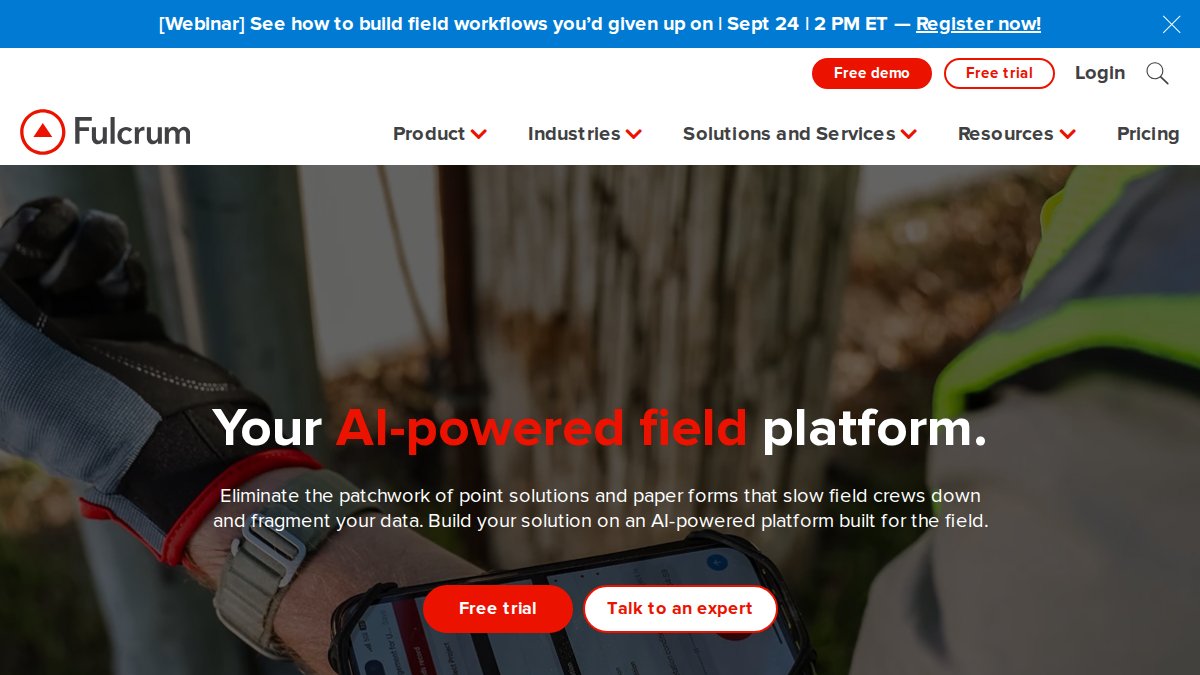
Fulcrum requires a minimum of five users at approximately $58 CAD per user per month when billed annually (Fulcrum pricing details). For a five-person team, that’s roughly $3,480 CAD annually. Fulcrum justifies its pricing through customization depth. Organizations build unlimited custom apps tailored to specific workflows. The AI-powered Audio FastFill feature converts spoken notes to structured data, reducing manual transcription.
Best for: Utilities, municipalities, large construction firms, and organizations requiring sophisticated workflow automation and advanced customization.
GoCanvas: customizable forms and workflow automation
GoCanvas enables organizations to replace paper forms with customizable mobile apps without coding. The visual form builder accommodates complex branching logic, conditional fields, and automated workflows.
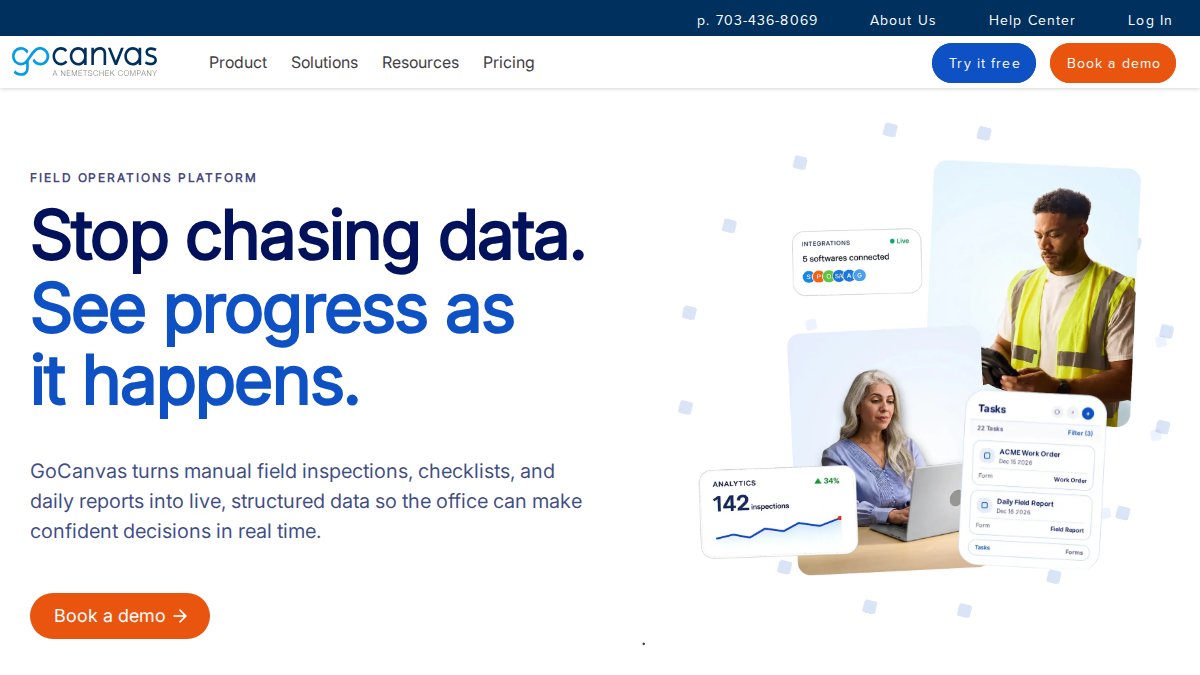
Pricing starts at approximately $39 CAD per user per month for the Essentials plan with a three-user minimum, billed annually (GoCanvas pricing information). For a three-person team, annual cost is roughly $1,404 CAD. GoCanvas connects with Salesforce, QuickBooks, SharePoint, and other enterprise systems, eliminating duplicate data entry.
Best for: Mid-sized organizations in construction, field services, and manufacturing needing customizable forms and integration with existing business systems.
Snappii: codeless app development for field teams
Snappii enables organizations to build custom mobile apps without programming expertise. Industry-specific app templates for inspections, surveys, and field services can be customized. Optical Field Recognition uses AI to convert paper forms to digital.
Pricing starts at approximately $28 CAD per month for basic plans with flexible billing options. This makes Snappii among the most affordable options. The codeless development approach appeals to organizations without IT resources to manage custom software.
Best for: Small to mid-sized organizations seeking affordable custom mobile apps for inspections without IT development resources.
| Platform | Starting Price | Minimum Users | Best For | Standout Capability |
|---|---|---|---|---|
| PhotoLog | Free tier available | 1 | Solo inspectors, small teams | Automatic geotagging and searchable photo library |
| Fulcrum | $58 CAD/user/month | 5 | Enterprises, complex workflows | Unlimited custom apps with AI-powered data entry |
| GoCanvas | $39 CAD/user/month | 3 | Mid-market, form-heavy workflows | Customizable forms with enterprise integrations |
| Snappii | $28 CAD/month | 1 | Budget-conscious teams | Codeless app development with AI form conversion |
How to Choose the Right Field Inspection App for Your Budget
Selecting a field inspection app requires matching platform capabilities to your team’s actual needs and budget constraints.
Assessing team size and concurrent user needs
Team size drives licensing cost directly. Count your actual concurrent users, inspectors actively using the platform simultaneously. A construction firm with 15 inspectors might have only 10 in the field on any given day. Licensing based on concurrent users rather than total headcount can reduce costs significantly.
Project seasonality affects user count variability. Teams with seasonal peaks need flexible licensing or pay-as-you-go models. Evaluate whether you need team collaboration features. Solo inspectors need only personal documentation and export. Teams managing multiple sites simultaneously need real-time data sharing and centralized reporting.
Evaluating deployment time and training costs
Deployment speed varies dramatically. PhotoLog requires minimal setup; Fulcrum requires app configuration and form design before inspectors can work effectively.
Quantify deployment cost by estimating hours required to get your first inspector productive. Factor in training requirements and support responsiveness during deployment.
Start with a pilot. Deploy the platform with one inspector or one small project before full rollout. This reveals integration issues, training gaps, and feature gaps before committing your entire team.

Field inspection app pricing decisions ultimately balance capability against cost. The right choice depends on your team size, inspection workflow complexity, budget constraints, and tolerance for setup complexity.
PhotoLog excels for teams prioritizing simplicity and cost-effectiveness. Its automatic geotagging, searchable photo libraries, and built-in field reporting deliver professional documentation without enterprise overhead. The free tier lets you evaluate the platform risk-free. Download PhotoLog free and see how it simplifies your field documentation workflow.
Frequently Asked Questions
Q: What's the typical cost difference between a free field inspection app and a paid subscription?
A: Free field inspection apps often lack advanced features like automated reporting, API integration, and priority customer support. Paid subscriptions typically range from a few dollars monthly for single-user tools to enterprise-grade platforms. The cost depends on team size, required features, and whether you need offline functionality or compliance tracking. Most paid tools offer better data integrity, real-time synchronization, and professional reporting capabilities that justify the investment for larger teams or complex projects.
Q: How does field documentation app data privacy affect pricing?
A: Apps offering advanced privacy controls, switchable GPS, and encrypted data storage often cost more than basic alternatives. Enterprise-grade solutions include features like user permissions, audit trails, and compliance certifications that add to the price. However, these security features are essential for sensitive work like environmental surveys or property inspections. When evaluating pricing, consider whether the app meets your data protection requirements and whether your industry has specific compliance obligations that demand higher-tier security features.
Q: What's the ROI of field inspection software for a small team of inspectors?
A: ROI depends on current time spent organizing photos and generating reports. Teams documenting 200-300 photos per site visit can see significant time savings using automated reporting and searchable photo libraries. Calculate your team's hourly labor cost, multiply by hours saved monthly, then compare against the software's annual subscription cost. For a 5-person team, ROI can appear within a few months if the app eliminates manual report assembly and reduces rework from missing documentation. Include time savings from offline functionality, which prevents data loss in remote areas with spotty cell service.
Q: Do field inspection apps charge per user, per project, or as a flat fee?
A: Most modern field inspection apps use per-user subscription pricing, billed monthly or annually. Some platforms have minimum user requirements (typically 3-5 users) to keep per-user costs lower. A few offer flat-fee models for unlimited users on a single project, which works well for small teams but becomes expensive as you scale. Pay-as-you-go models are rare in this category. Before committing, calculate your total cost of ownership by multiplying your team size by the per-user rate, then compare against any minimum commitments or enterprise pricing available for larger deployments.
Q: What hidden costs should I budget for when selecting a field inspection app?
A: Beyond subscription fees, budget for data storage if your app charges separately for cloud space, optional customization to match your workflows, and API integration fees if you need to connect with existing systems like project management software. Training time for your team is a real cost, though simpler tools require less onboarding. Some platforms charge extra for advanced features like AI-powered data entry or premium customer support tiers. Review each vendor's pricing page carefully, and ask about all-inclusive pricing versus modular add-ons before comparing total cost of ownership across options.
This article was written using GrandRanker