Table of Contents
- How Digital Field Reports Transform Property Management
- Benefit 1: Real-Time Data Accuracy and Searchable Documentation
- Benefit 2: Why Switch to Digital Inspection Checklists
- Benefit 3: Benefits of Geotagged Inspection Photos for Compliance
- Benefit 4: Reducing Administrative Overhead and Labor Costs
- Benefit 5: Professional Property Management Inspection Report Templates
- Getting Started with Digital Field Reports
- Frequently Asked Questions
Last Updated: September 20, 2026
How Digital Field Reports Transform Property Management
Property managers juggle dozens of tasks daily: tenant requests, maintenance schedules, lease renewals, compliance documentation. The difference between a smoothly run portfolio and one that bleeds money often comes down to one thing: how quickly and accurately you capture what’s happening on the ground.
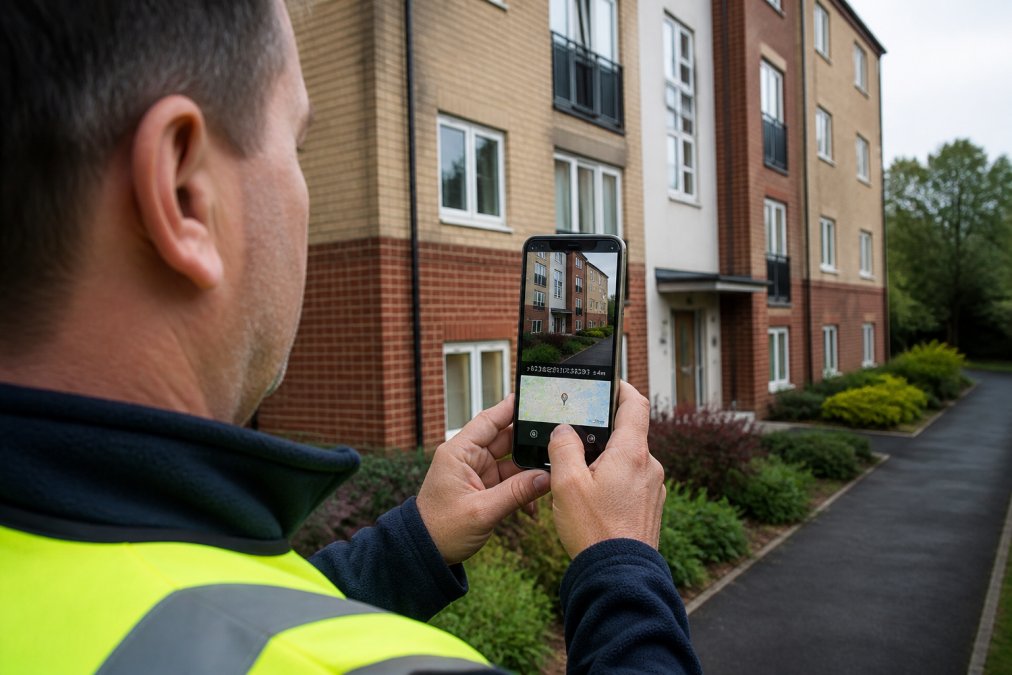
Digital field reports are inspection documentation created and stored digitally rather than on paper. They capture photos, notes, timestamps, and location data in a single organized record that’s instantly searchable and ready to share. For property managers, this shift from paper clipboards to mobile documentation tools fundamentally changes how operations work.
The benefits go beyond convenience. Real-time data accuracy means fewer disputes with tenants. Searchable documentation protects you legally. And geotagged photos create an audit trail that’s nearly impossible to challenge. Below, we’ll show you exactly how digital field reports work and why property managers are switching to them.
Benefit 1: Real-Time Data Accuracy and Searchable Documentation
When inspection data lives in a digital system instead of a filing cabinet, it becomes instantly accessible. You can search by date, location, property ID, or custom tags. A tenant disputes a damage claim from six months ago? Pull the exact photo and timestamp in seconds instead of hunting through stacks of paper.
Real-time accuracy matters because human memory fails. Paper notes taken at 2 p.m. on a Tuesday get misplaced, faded, or misread. Digital records with automatic timestamps and GPS coordinates create an objective record that holds up in disputes. This is especially critical for liability documentation, if something goes wrong on your property, you need proof of when you inspected it, what condition it was in, and what action you took.
Searchable documentation also changes your operational workflow. Instead of managing maintenance by memory or scattered email chains, you can instantly retrieve all photos and notes from a specific property, date range, or issue type. This speeds up decision-making and reduces the risk of missed follow-ups.
Set consistent naming conventions for your inspection sessions (e.g., “Property_123_Unit_5_Damage_Assessment”). This makes digital field reports even more searchable and prevents confusion when multiple inspectors are documenting the same property.
Benefit 2: Why Switch to Digital Inspection Checklists
Paper checklists are slow and error-prone. Digital inspection checklists enforce consistency, reduce missing data, and create an automatic record of what was checked and what wasn’t. But the real value lies in three specific mechanisms: mandatory field enforcement, automated workflow triggering, and measurable adoption metrics.
Mandatory field enforcement prevents incomplete inspections. When your team uses paper forms, inspectors can skip sections, a HVAC filter check, a water damage assessment, a safety hazard notation, and no one catches it until a problem surfaces weeks later. Digital checklists with required fields won’t allow submission until every section is completed. This isn’t just convenience; it’s liability protection. If a tenant later claims you failed to inspect something, your digital record proves you did, or it proves the inspection was incomplete and flagged as such.
The second mechanism is automated workflow triggering. Once an inspection is complete, the data flows directly into your property management system without manual re-entry. More importantly, the system can be configured to automatically create work orders, send notifications, or escalate issues based on checklist responses. If an inspector marks “plumbing leak detected,” the system immediately creates a maintenance request, assigns it to the appropriate contractor, and logs the timestamp. This eliminates the gap between discovery and action, a gap where problems often get lost in email chains or forgotten conversations. Refining these digital triggers allows teams to automate property maintenance across complex portfolios, ensuring that every repair cycle remains consistent and fully documented.
Measurable adoption metrics are where digital checklists reveal hidden costs in your current process. Most property management software tracks completion rates, time per inspection, and error rates. You can measure the average time between inspection completion and work order creation, if it’s currently 3 days with paper forms, digital checklists often reduce it to hours. These metrics let you calculate real ROI: if reducing that gap by 2 days prevents one emergency repair per quarter, that’s quantifiable savings.
The shift to digital inspection checklists also addresses a hidden cost: onboarding and quality variance. New inspectors using paper forms often miss items because they don’t know what to look for or forget the sequence. Digital checklists guide them through a standardized process with visual cues, conditional logic (“If yes to water stains, proceed to mold assessment”), and built-in photo prompts. Training time typically drops because the checklist becomes the training tool. More importantly, quality variance between experienced and new inspectors narrows significantly.
Digital inspection checklists eliminate three hidden costs: incomplete inspections that surface as disputes later, delays between discovery and action that compound repair costs, and training overhead for new staff. The measurable metrics, completion rates, time per inspection, work order lag, let you quantify the ROI before rolling out across your entire portfolio.
Benefit 3: Benefits of Geotagged Inspection Photos for Compliance
Geotagged photos are images automatically marked with GPS coordinates, date, and time. For property managers, they serve a purpose far deeper than convenience: they create a legally defensible audit trail that protects you from liability claims, regulatory challenges, and tenant disputes.
The audit trail mechanism is critical. When a tenant claims you failed to address a habitability issue, or a regulator questions whether you completed a required inspection, your defense isn’t your word, it’s a timestamped, location-verified photo with metadata that’s nearly impossible to falsify. The photo itself contains embedded data: GPS coordinates (accurate to 5-10 meters in most urban areas), exact timestamp to the second, device identifier, and often camera settings. This metadata is difficult to manipulate without leaving digital forensic traces. In disputes, this matters enormously. A handwritten note saying “inspected unit 204 on March 14” is contestable. A geotagged photo showing the exact unit number, date, time, and GPS location is not.
Regulatory compliance documentation relies on this audit trail. If you’re documenting mold remediation, pest control, structural repairs, or safety hazards, regulatory bodies (such as provincial health authorities or municipal housing inspectors) expect proof of when and where work was completed. Geotagged photos provide that evidence automatically. You’re not relying on contractor invoices, work orders, or your own memory, the photo itself is the proof. For environmental compliance (asbestos abatement, lead paint disclosure, mold assessment), this audit trail often becomes the primary evidence that work was completed to standard.
Insurance claims and dispute resolution accelerate dramatically with geotagged documentation. When a tenant files a damage claim, you can provide timestamped, location-verified photos showing the property condition at the time of inspection. This protects you from inflated claims. If a tenant claims water damage occurred on March 10 but your geotagged inspection photos from March 8 show no water damage, that’s documented proof of when the damage occurred, and potentially proof that it happened after you last inspected, shifting liability. Insurance adjusters and claims processors move faster when they have this level of documentation because there’s less back-and-forth about “when did this actually happen?”
Fraud prevention is another layer. If someone tries to claim a photo was taken at a different property or on a different date, the GPS and timestamp data prove otherwise. This is valuable protection when dealing with unscrupulous tenants or contractors submitting false work completion photos.
Geotagged photos are powerful evidence, but only if the metadata is intact. Avoid editing or re-uploading photos through email or social media, as this can strip metadata. Keep original files in your digital field report system, where metadata is preserved and timestamped. If you need to share photos externally, export them directly from your system to maintain the audit trail.
Benefit 4: Reducing Administrative Overhead and Labor Costs
Paper-based inspections require multiple steps: inspectors fill out forms, someone transcribes the data, someone else files the documents, and when you need information, someone hunts through files. Each step costs time and money.
Benefit 5: Professional Property Management Inspection Report Templates
Professional-looking reports matter for client communication and legal protection. Digital field report systems generate formatted reports automatically from the data your inspectors capture.
Property managers with 10+ units who send regular inspection reports to owners or tenants. The time savings from automated report generation becomes significant at this scale.
Getting Started with Digital Field Reports
Switching to digital field reports doesn’t require a complete overhaul. Start by identifying your highest-volume inspection task, maybe it’s quarterly unit walkthroughs or maintenance follow-ups. Use digital field reports for that process first, measure the time and accuracy improvements, then expand to other inspection types.
Frequently Asked Questions
What are the legal advantages of using time-stamped digital inspection reports?
Time-stamped digital field reports create an auditable record of when inspections occurred and conditions were documented. This evidence is critical for liability protection, insurance claims, and regulatory compliance. Automatic timestamps and geotagging prove you were on-site at a specific location and time, which defends against disputes over maintenance delays or property condition claims. Digital records also satisfy documentation requirements under provincial health and safety standards and property legislation.
How do digital field reports improve property maintenance workflows?
Digital field reports eliminate delays between inspection and action. Photos with instant searchability by date or event key allow maintenance teams to prioritize work orders immediately, reducing response times. Automated task assignment from field data means maintenance requests move directly into your system without manual data entry. Real-time progress monitoring lets supervisors track which issues have been addressed, preventing duplicate work and ensuring preventive maintenance schedules stay on track.
Can digital field reporting software help with insurance claims?
Yes. Digital field reports with geotagged photos, timestamps, and detailed annotations provide the exact evidence insurers need to process claims quickly. Multimedia documentation showing property conditions before and after incidents strengthens your claim and reduces dispute risk. The searchable archive means you can instantly retrieve historical inspection data if a claim relates to a pre-existing condition, protecting your liability position.
What features should property managers look for in field reporting tools?
Prioritize automatic GPS geotagging, time and date stamping, and the ability to add typed or voice annotations to images. Look for instant searchability by event key or date so you can find relevant photos quickly. Built-in field report generation that exports formatted, professional reports saves time. Offline functionality is essential for remote sites with spotty cell service, and the tool should allow easy sharing via standard phone apps without requiring complex integrations.